10
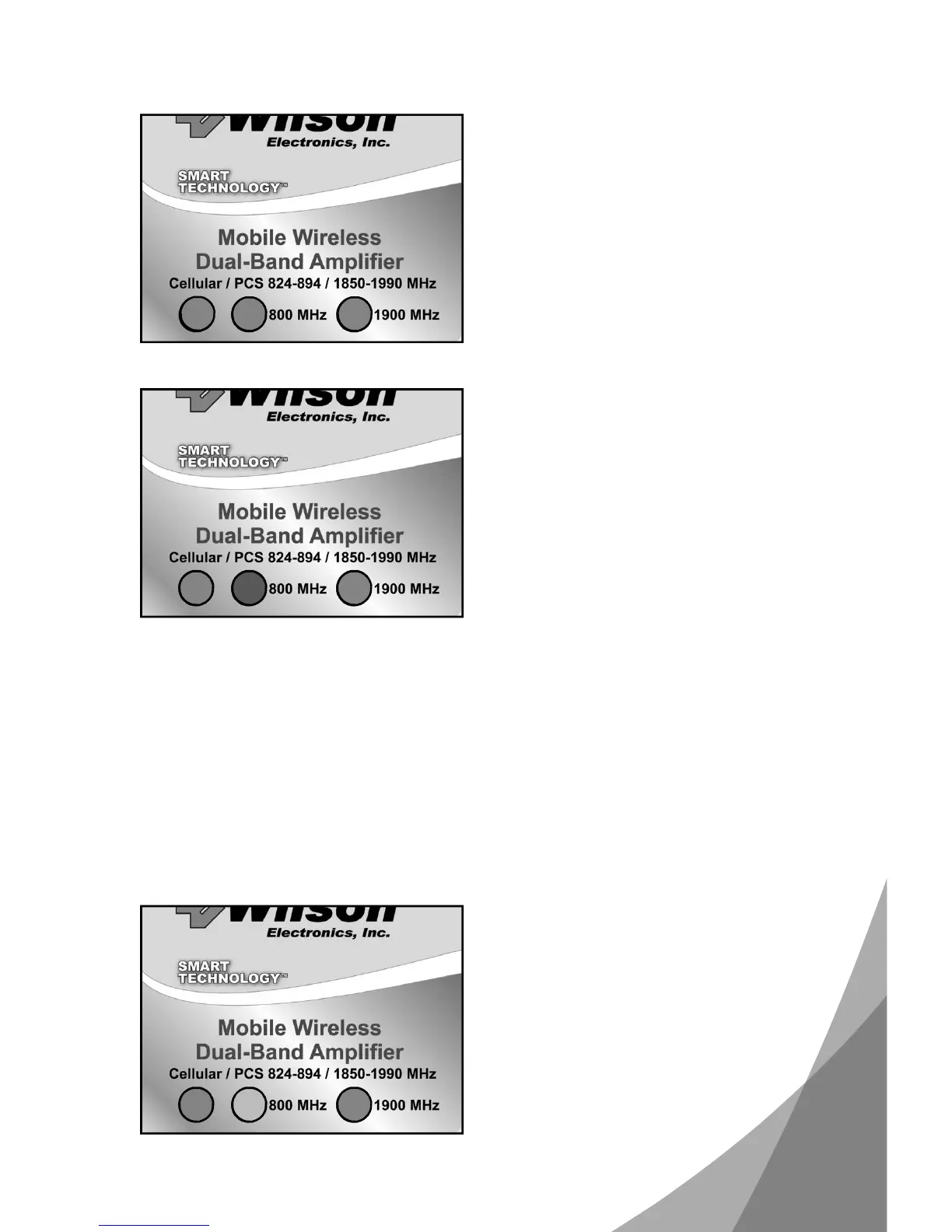
UnderstandingtheAmplifierLights
ThepowerlightPWRwillturngreen
whentheamplifierissuccessfully
poweredup.Whenthe800MHzor
1900MHzlightsarelitgreen,the
amplifierisamplifyingtheoutside
signal.
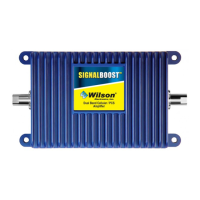
Ifoneorbothfrequencylightsturn
red,oscillationisoccurringandthe
amplifierhaspowereddown.The
outsideantennaneedstobemoved
fartherfromtheinsideantenna.Move
theoutsideantennaontheroofof
thecartotherearofthecar,butat
least812inchesfromtherearor
sidewindows.Removepowerfrom
theamplifierandreinstallpowerthis
resetstheamplifier.
Ifthelightsarenowgreen,the
oscillationhasstoppedandthe
amplifierisworking.Iftheredlightis
stillon,movetheantennafartheraway
andrepeattheprocess.
Alwaysuseamagnetmountorroof
mountantenna.Donotuseaglass
mountantenna,asoscillationmay
causecontinuousshutdownofthe
amplifier.
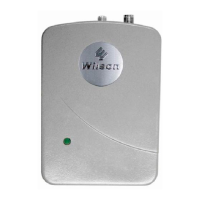
Anamberlightineitherthe800
MHzor1900MHzpositionindicates
overloadfromthecellsite.The
amplifierhastemporarilyshutdown
andwillautomaticallyreset.



 To Next Page