5
InstallingaWilsonAmplifier
Warning:DonotplugintheDCpower
supplyuntiltheoutsideandinsideantenna
cablesareattachedtotheamplifier.
!
Wilsonofferstwooptionsofimprovedsignal
inside avehicle:
OptionA(Wireless)offersthe
con venien ceofnophysicalconnectionto
thecellphoneorcellular datacard.
OptionB(Attached)placestheuniversal
con nectordirectlyonthecellphoneor
cellulardatacard formaximum signal
performance.
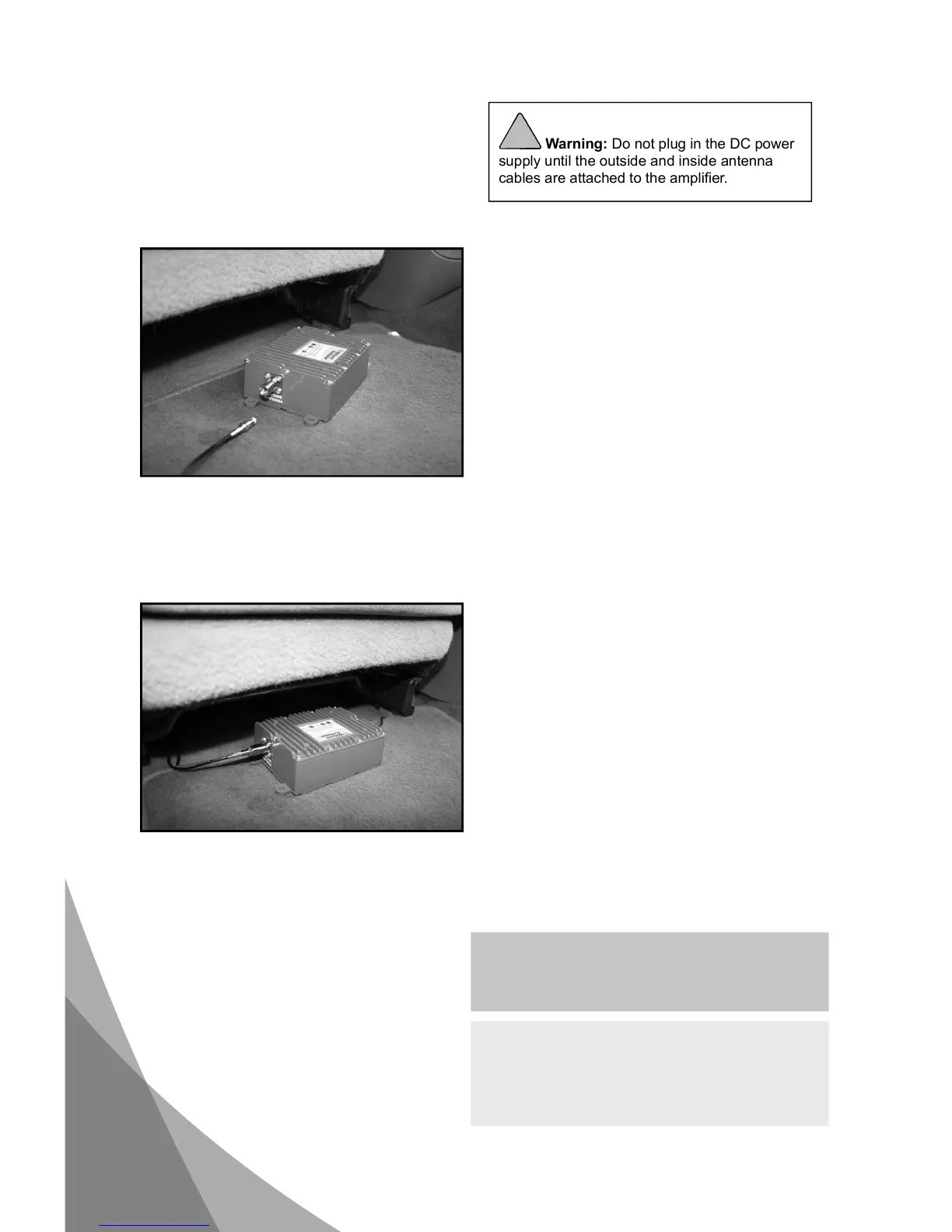
Selectalocationtoinstallthea mplifiertha t
isawayfromexcessiveheat,dir ectsunlight
ormoistur eandthathasproperventilation.
Recommendedinstallationlocationsare:
· Undertheseat
· In the trunk
· Underthedash
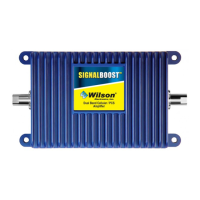
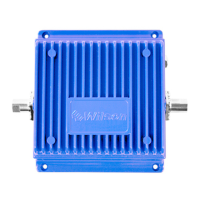
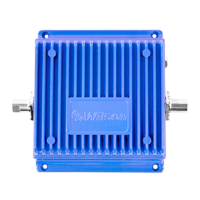
Runthecablefromtheoutsideantennaand
attachittotheFMEMaleconnectorlabeled
“outsideantenna”ontheamplifier.
Attachthein sideantennacabletotheFME
Maleconnectorla beled“insideantenna”on
theamplifier.



 To Next Page