7 7
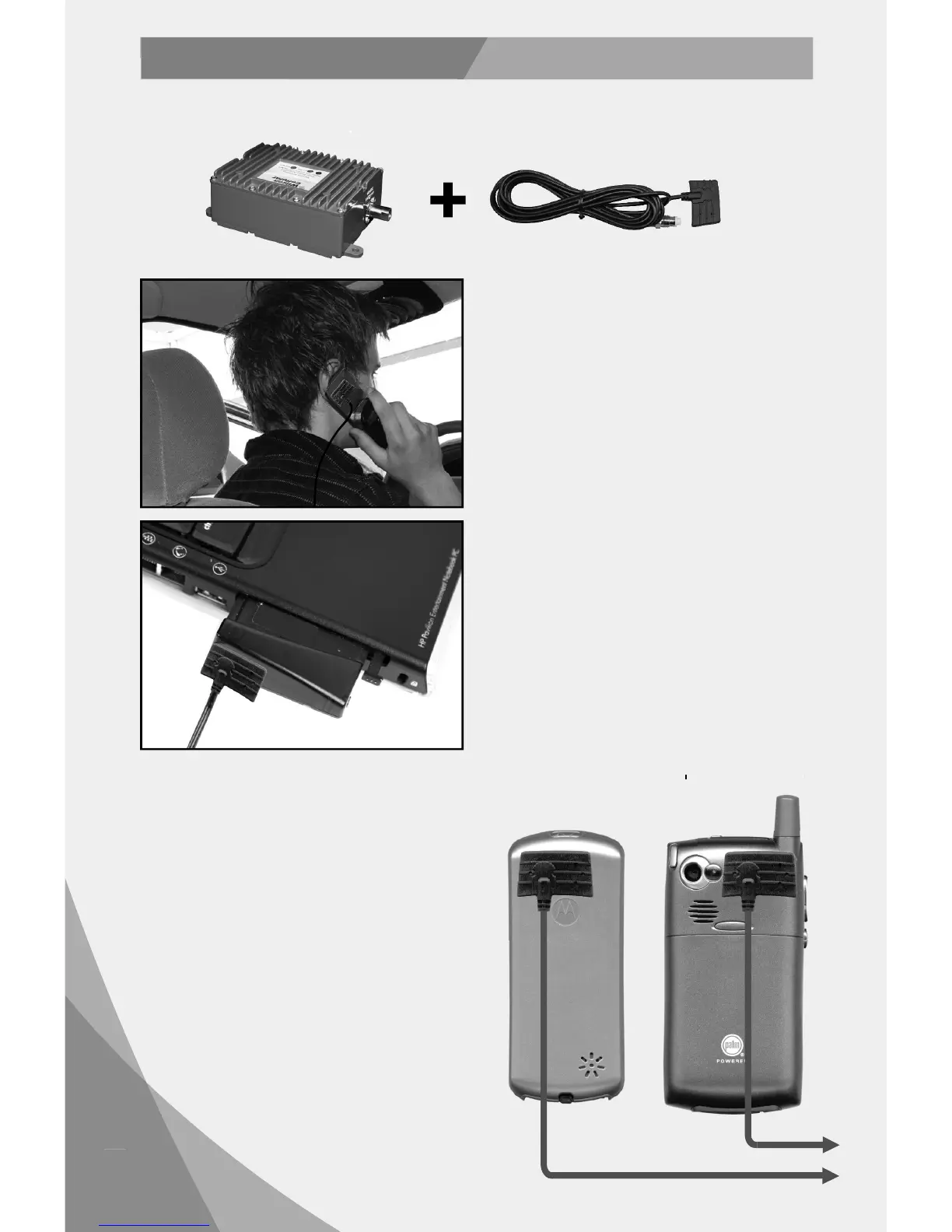
Theuniversalconnectormustbeplaced
directlyonthecellphoneorcellulardata
cardtoworkproperly.Attachthe universal
connectortothecellphoneorc ellulardata
cardwiththeVELCRO
®
includedinthe
package. IMPORTANT:Theadhesiveofthe
grayVelcropatchthatadherestotheback
ofyourphoneneedstimeto“cure.”Forbest
results,donotusetheVelcroconnectionfor
aminimumof24hoursafterapplication.
Theuniversalconnectorincludedinthe
packageislongenoughtoreachthe
amplifierlocation.Thisallowsforeaseand
convenienceofuse.
Toadjusttheuniversalconnectorforthe
bestsignal,gotoaweaksignallo cation
whereyourcellphoneregistersonly12bars
withouttheuniversal connectorconnected.
Then,attachtheuniversalconnectorto
thephoneandyoushoul dseeasignal
improvementof2ormorebars.
NOTE:Manyphonestakeupto20seconds
toresetthebarindicator.
Tomaximizeperformance,attachthe
universalconnectorascloseaspossibletotheoriginalantennaonyourcellphoneorcellular
datacard.
Forcellphoneswithaninternalantenna,
placetheuniversalc onnectorontheback,
upperlefthandcornerofthephone.(Figure
1) NOTE:Certainphones,suchasthe
MotorolaRAZR,haveinternalantennasat
thebase,ratherthanthetop,inwhichc ase
theuniversalconnectorshouldbe attached
atthebottomrearofthe phone.
Forcellphoneswithanexternalantenna,
placetheuniversalc onnectordirectlybelow
thephone’soriginalantenna.(Figure2)
Ifyouhaveanyquestionsastothelocation
oftheantennaonyourphone,callWilson
TechnicalSupportat8662941660orvisit
www.wilsonelectronics.com.
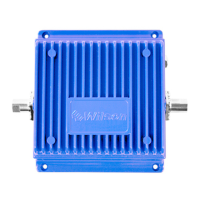
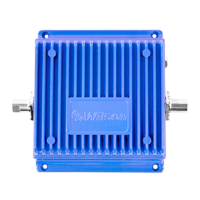
Amplifier Universal
Connector
Figure1
Figure2
ToAmplifier
InstallingaWilsonUniversalConnector
Option B (Attached)
Cellulardatacard



 To Next Page