Quick Install - Inside Window
Mount Option
Additional installation options on pg. 6-8
Find the Strongest Cellular Signal
(See page 4 for suggested methods.)
Ready to Install
Inside Window Mount
1.
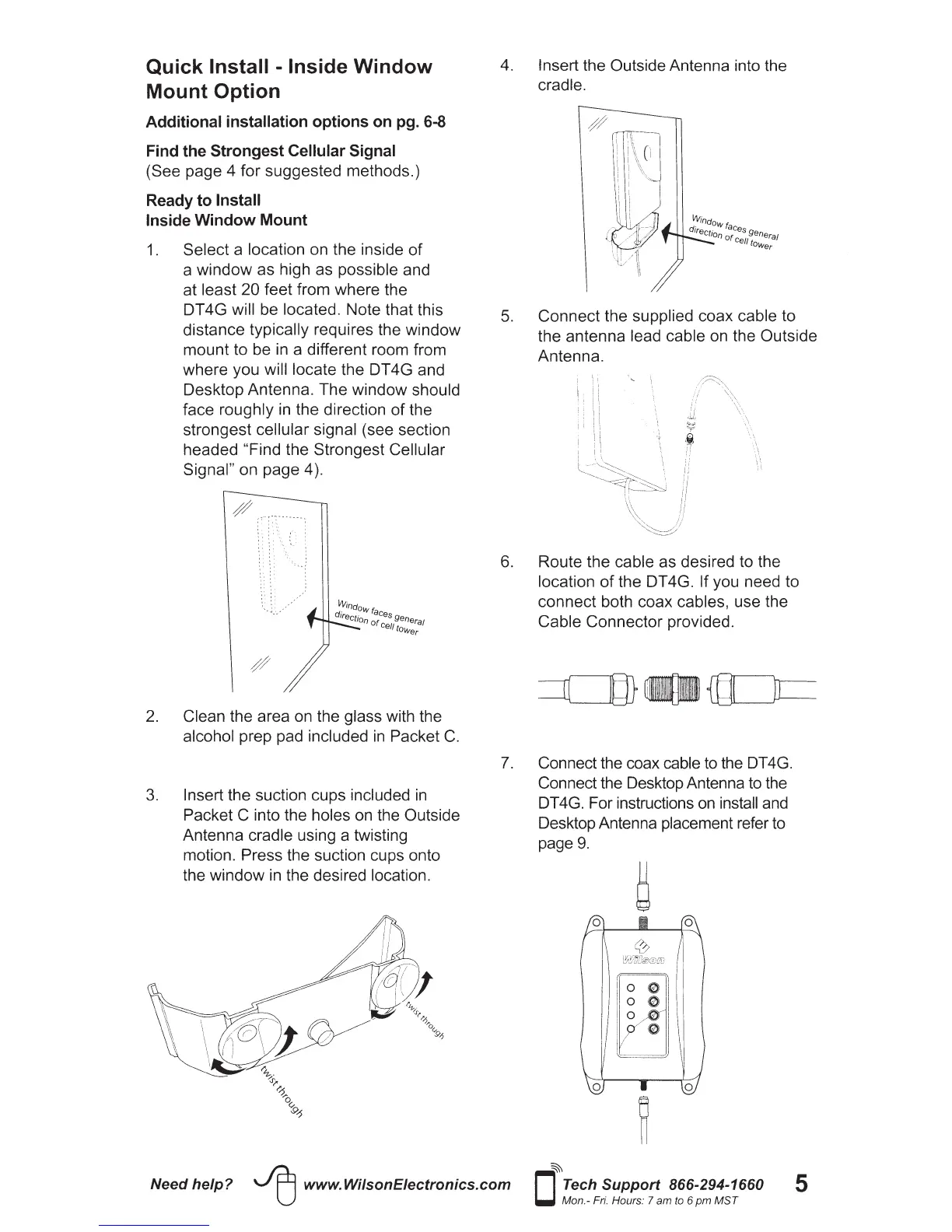
Select a location on the inside
of
a window as high as possible and
at least 20 feet from where the
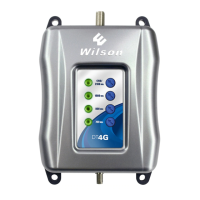
DT4G will be located. Note that this
distance typically requires the window
mount to be
in
a different room from
where you will locate the DT 4G and
Desktop Antenna. The window should
face roughly
in
the direction
of
the
strongest cellular signal (see section
headed "Find the Strongest Cellular
Signal" on page 4
).
2.
Clean the area on the glass with the
alcohol prep pad included
in
Packet
C.
3.
Insert the suction cups included
in
Packet C into the holes
on
the Outside
Antenna cradle using a twisting
motion. Press the suction cups onto
the window
in
the desired location.
4. Insert the Outside Antenna into the
cradle.
5.
Connect the supplied coax cable to
the antenna lead cable
on
the Outside
Antenna.
6.
Route the cable as desired to the
location
of
the DT 4G. If you need to
connect both coax cables, use the
Cable Connector provided.
7.
Connect the coax cable
to
the DT4G.
Connect the Desktop Antenna to the
DT4G. For instructions
on
install and
Desktop Antenna placement refer to
page
9.
Need
help?
~
www.WilsonEiectronics.com
~
D
Tech Support 866-294-1660
Mon.-
Fri.
Hours: 7 am
to
6
pm
MST
5






 To Next Page