8.
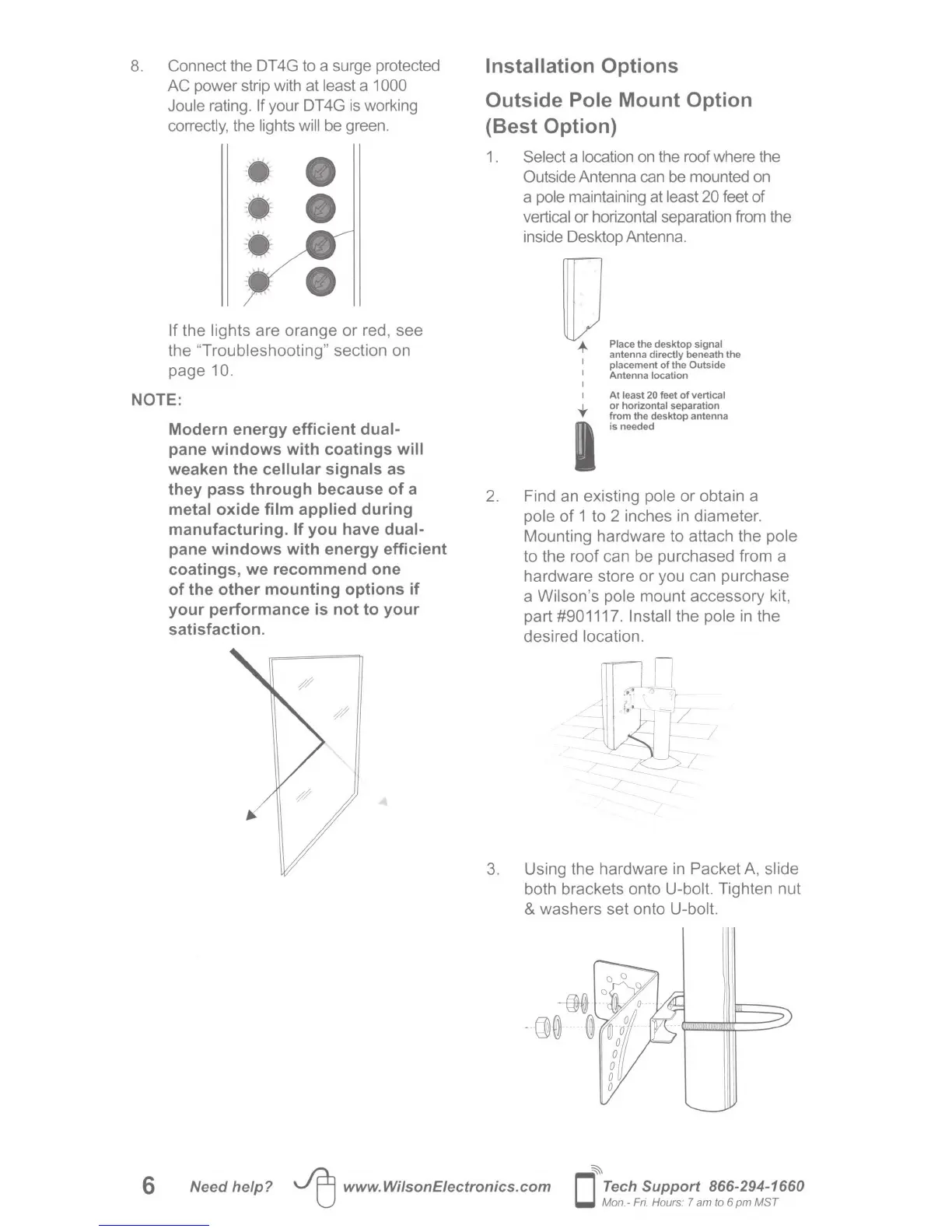
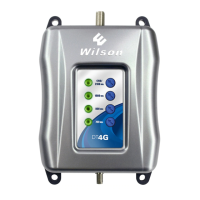
Connect the DT4G to a surge protected
AC power strip with at least a 1 000
Joule rating. If your DT 4G
is
working
correctly, the lights will be green.
• e
·•· e
:.:
If the lights are
orange
or
red, see
the "
Troubleshooting
" section on
page
10.
NOTE:
Modern energy efficient dual-
pane windows with coatings will
weaken the cellular signals as
they pass through because
of
a
metal oxide film applied during
manufacturing. If you have dual-
pane windows with energy efficient
coatings, we recommend one
of
the other mounting options if
your performance
is
not to your
satisfaction.
Installation Options
Outside Pole Mount Option
(Best Option)
1.
2.
Select a location on the roof where the
Outside Antenna can
be
mounted on
a pole maintaining at least 20 feet of
vertical or horizontal separation from the
inside Desktop Antenna.
U.
"~
....
,~...,
'"""'
antenna directly beneath the
1
placement
of
the Outside
I Antenna location
I
I
t
At
least
20
feet
of
vertical
or
horizontal separation
from the desktop antenna
is needed
Find an existing pole
or
obtain a
pole
of
1 to 2 inches in
diameter
.
Mounting hardware to attach the pole
to the
roof
can be purchased from a
hardware store
or
you can purchase
a Wilson's pole mount
accessory
kit,
part #901117. Install the pole in the
desired location.
3. Using the hardware
in
Packet
A, slide
both brackets onto U-bolt. Tighten nut
& washers set onto U-bolt.
6
Need help?
JEJ
www.WilsonEiectronics.com
~
0
Tech
Support 866-294-1660
Mon.- F
ri.
Hours: 7
am
to 6
pm
MST






 To Next Page