6. How to connect using wifi?
1. Download the APP (Hunting Cam Pro) on the mobile phone, not "Hunting Cam Pro", please do not scan
the QR code in the paper manual to download, it is wrong
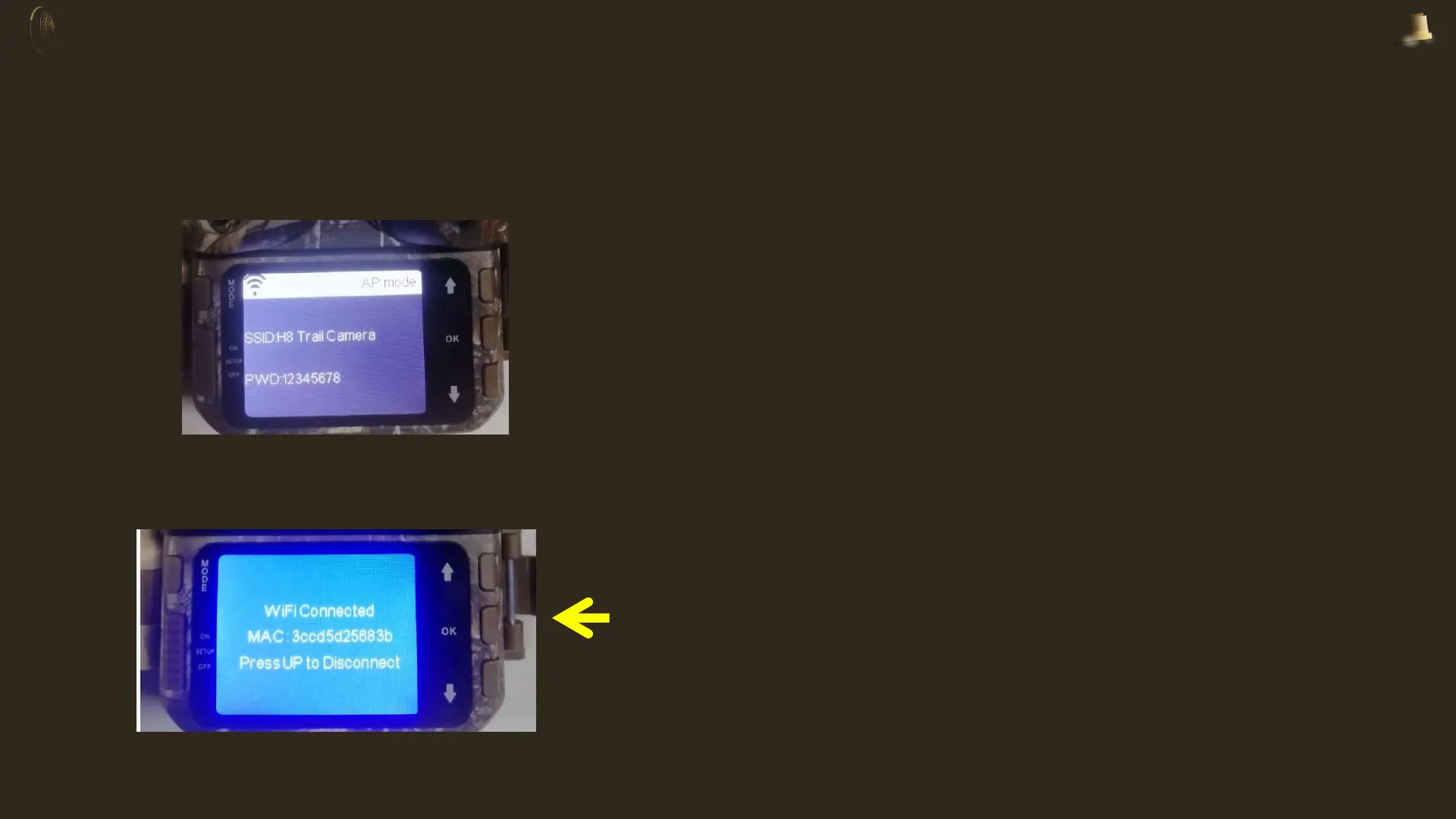
2.Turn on the camera's WIFI in the "SETUP" state (through the strap or long press the "UP" button for 3
seconds)
3.Turn on the mobile phone WIFI, connect to the camera’s WIFI (H8 Trail Camera), the initial password is:
12345678
When the phone is successfully connected, the
camera screen is shown on the left, the indicator light
on the top is always on, and it is in the connected
state


 To Next Page