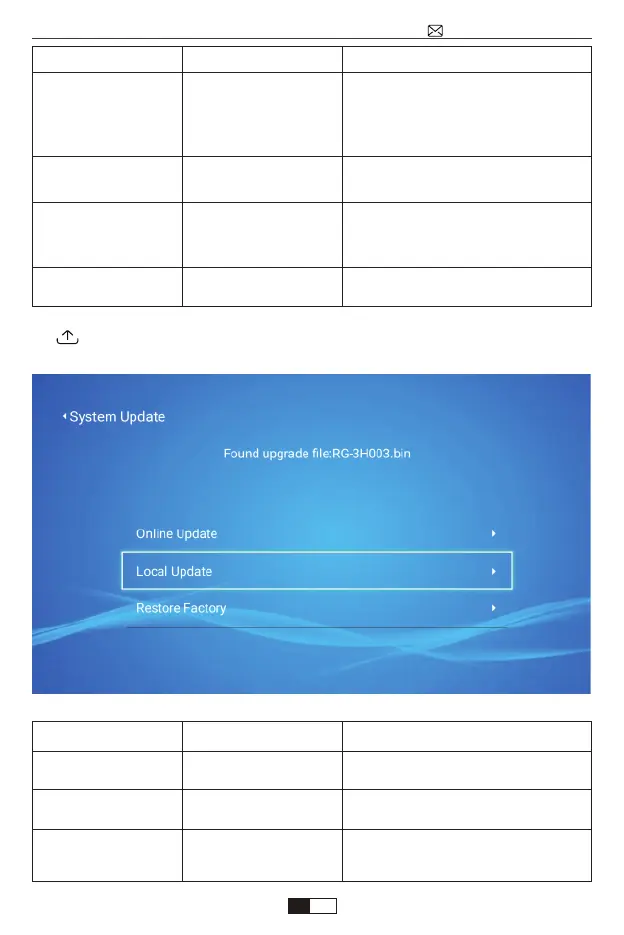
4. System Update
Projection
Projection Mode
Keystone Advanced
Keystone
Advanced
Digital Zoom
Menu included
Front-Desktop /
Rear-Desktop /
Front-Ceiling /
Rear-Ceiling
Front-Adjust Manual
Keystone
Side-4-point
Keystone
Reduce Display
100%-50%
Choose the projection methods,-
flip the image
Adjust Vertical Keystone±50°
Adjust Horizontal Keystone:
4-point Keystone value:
horizontal ±64 vertical±36
Reduce the size of image size
Function
System Update
Online Update
Local Update
Restore Factory
Menu included
Online Update
Local Update
Reset
Update the system Online
Update offline
Restore all settings to their
factory settings
Function
support@wimius.com
EN
01 02 03 04 05 06 07 08 09 10 11 12 13 14 15 16 17 18 19 20
21 22 23 24 25 26 27 28 29 30 31 32 33 34 35 36 37 38 39 40
41 42 43 44 45 46 47 48 49 50 51 52 53 54 55 56 57 58 59 60
61 62 63 64 65 66 67 68 69 70 71 72 73 74 75 76 77 78 79 80
81 82 83 84 85 86 87 88 89 90 91 92 93 94 95 96 97 98 99



 To Next Page