Page 10 of 27
3.5 Paymark key set up (NZ Only)
Terminals using the Paymark key scheme must have their keys remotely injected before transacting. Please contact
our support team for assistance.
3.6 Terminal conguration
The Windcave terminal should come with precongured network settings. If there are any connectivity issues that
cannot be resolved, please contact Windcave Support staff.
3.6.1 Initialisation
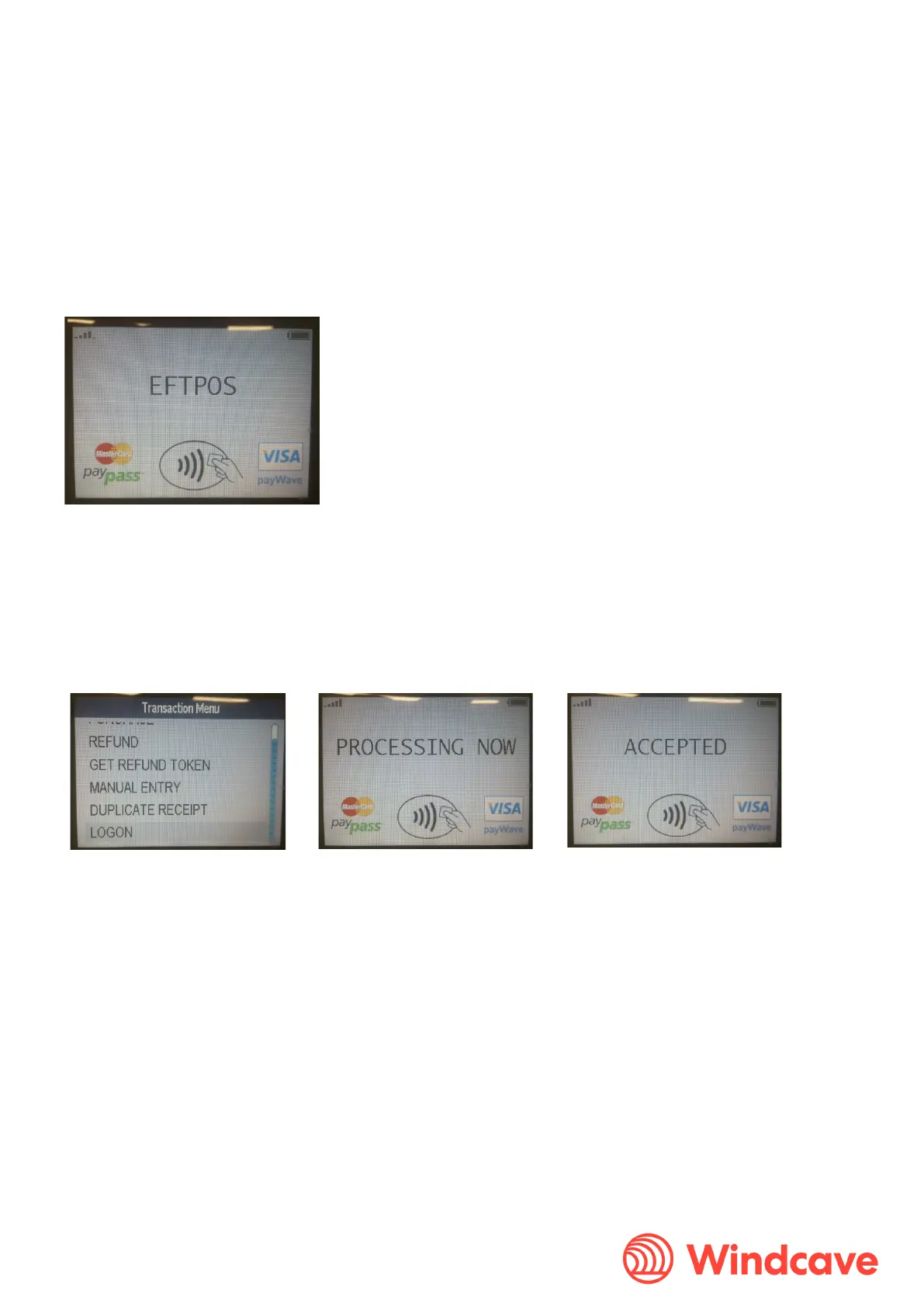
Once powered up, the device will go through an automatic boot-up and online logon process. Once completed &
ready, PINpad will idle and display “EFTPOS” on the screen.
3.6.2 Logon
In order to prepare the terminal for processing transactions, the Logon message is used. A Logon uses the assigned
merchant number and terminal ID to login to the banking switch. This is recommended but optional as the terminal
will automatically log itself with the Windcave Host 10 seconds after connecting to the network. However if logon is
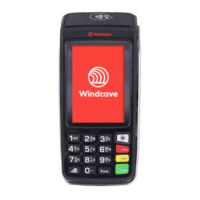
required please do the following manual logon process. Press the “Menu” button on the PINpad, and select “LOGON”.


 To Next Page