Page 7 of 27
3 Congurations
3.1 Direct External Connection
Windcave HIT terminals can be congured to connect directly to an external Internet connection; this allows mer-
chants to remove all physical connection between their POS and the payment device; this option is available for both
the iPP350 and the Move5000.
No Windcave software is required on the PC running the POS. However only the Windcave key scheme is supported.
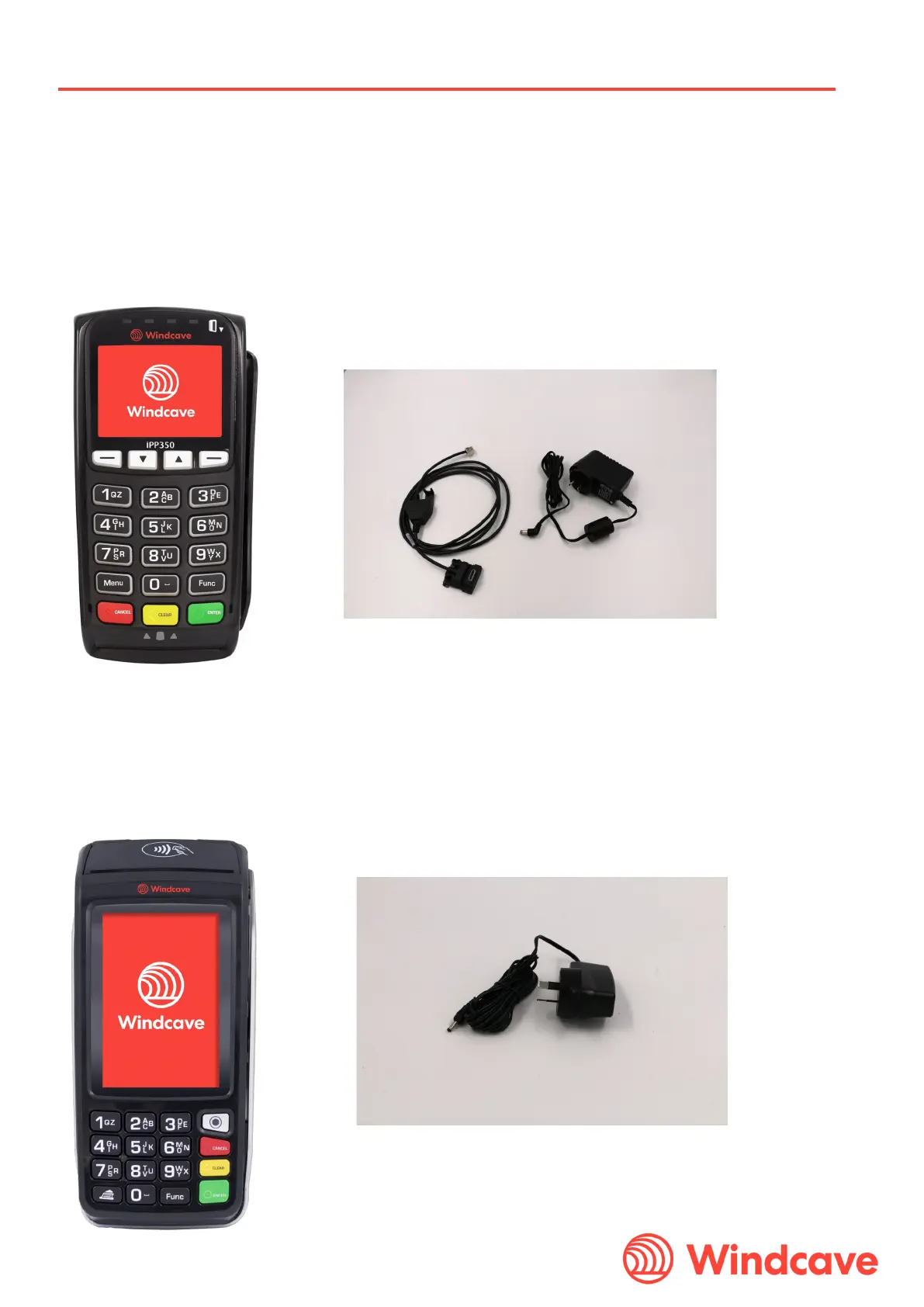
3.1.1 Direct External Connection iPP350
The iPP350 terminal is connected to an external network using three separate cables:
The customer must have a receipt printer and all receipt printing is controlled directly by the POS.
3.1.2 Direct External Connection Move5000
The Move5000 terminal is connected for online connectivity to an external network (via a router or modem) using a


 To Next Page