Page 8 of 27
3.2 CONNECTION TO PC
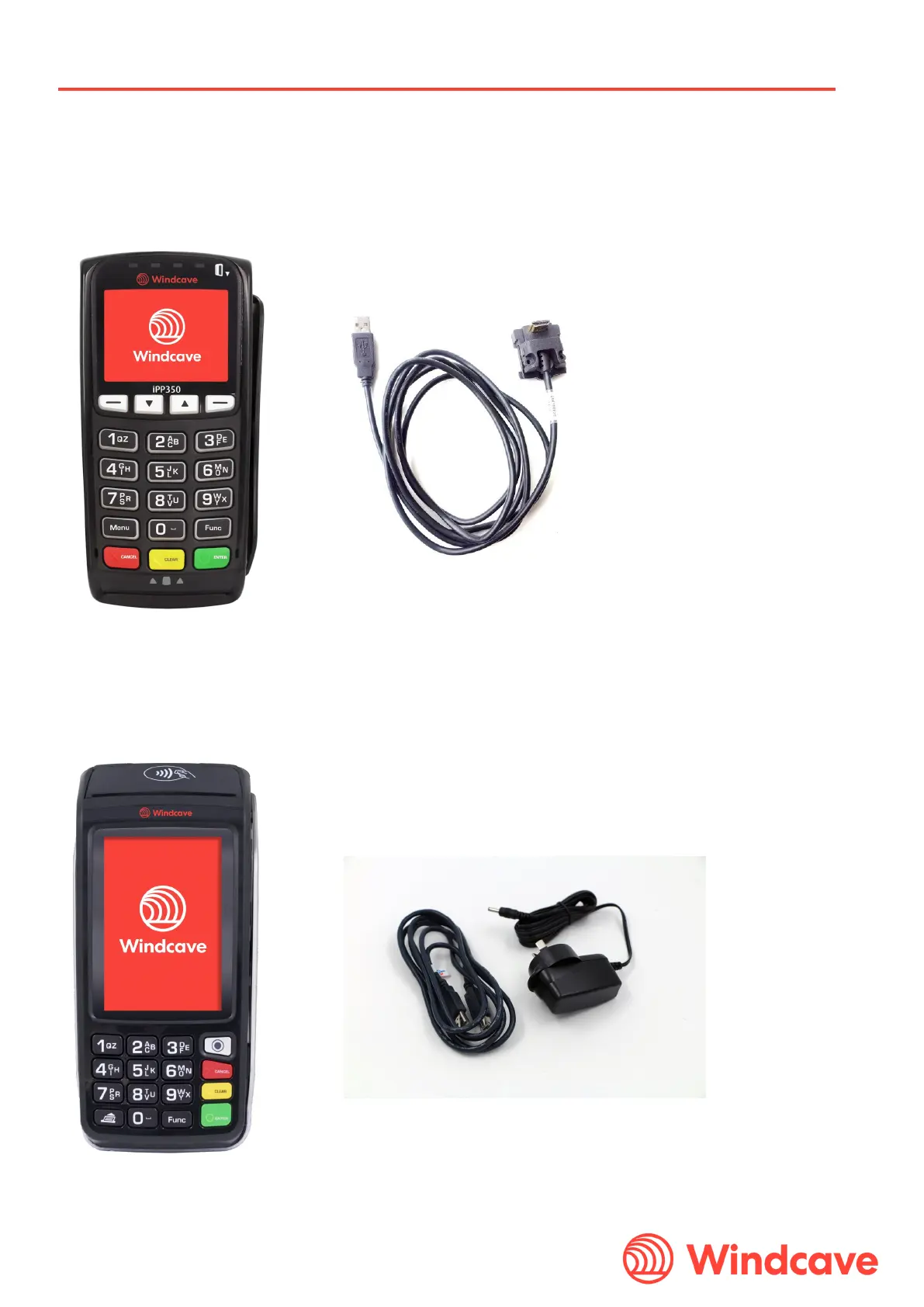
Both the iPP350 and the iWL250 can be connected directly to the merchant’s POS. In order to run the HIT device, the
merchant must download the SCRController software from the Windcavewebsite.
Windcave and Paymark (NZ only) terminal key schemes are available.
3.2.1 Connection to PC iPP350
The iPP350 is connected directly to the POS using one USB-A cable:
The customer must have a receipt printer. The HIT response will contain the receipt content which is required to be
printed by the POS’s own receipt printer.
3.2.2 Connection to PC Move5000
The iWL25C terminal is connected directly to the POS using one USB-A cable. The device must also have power to
the base.
All printing is handled directly by the terminal’s on-board thermal printer.


 To Next Page