21
6. Bell ExpressVU Operation
6.1 Bell ExpressVU Overview
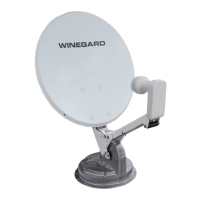
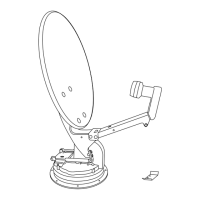
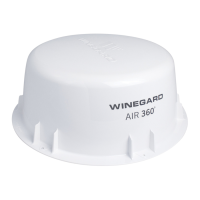
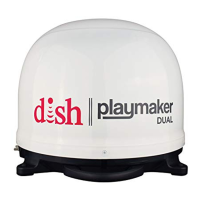
When connected to a Winegard Automatic Satellite System, the Winegard HD satellite
Interface is capable of receiving the following satellites automatically:
Satellite 82°W
Satellite 91°W
•
•
In Automatic Mode, your Winegard automatic satellite antenna will automatically toggle
between the 2 satellites as you change channels on your ExpressVU remote control. The
toggle feature will work while stationary for all models and in-motion for in-motion model
satellite antennas.
You may also operate the satellite antenna in Manual Mode. More information on manual
mode is available in Section 7.2.
Toggle - the dish will
automatically switch satel-
lites by changing channels
on your remote control.
6.2 Bell ExpressVU First Time Setup
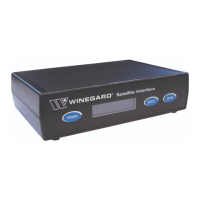
Congure Satellite Interface box for Bell ExpressVU programming
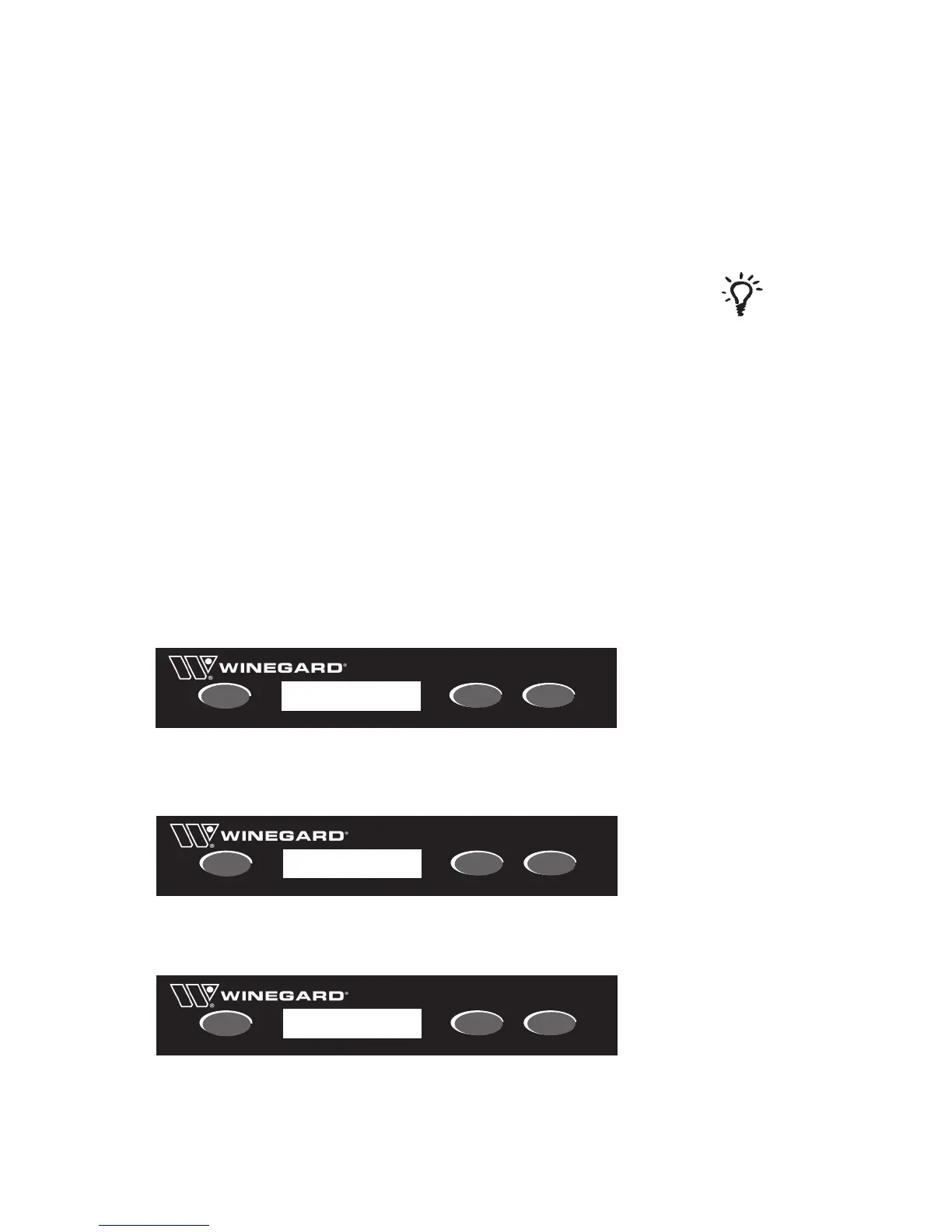
Press [Power] to power on the Satellite Interface and Satellite Antenna. The antenna will
begin it’s search for its pre-set satellite.
Access the Main Menu. Press and hold the [ENTER] button for 2 seconds.
Press [SELECT] to choose Yes.
Press [ENTER] to conrm selection. You are now in the Main Menu.
Press [ENTER] to conrm Satellite Setup.
Press [ENTER] to conrm Sat Provider.
From Service Provider menu press [SELECT] 2 times to select Bell.
Press [ENTER] to conrm. Select Yes and press [ENTER] to Save.
Satellite Interface
POWER
SELECT
ENTER
Enter User Menu?
Yes No
*
Satellite Interface
POWER
SELECT
ENTER
Satellite Setup*
Sleep Menu
Satellite Interface
POWER
SELECT
ENTER
Service Provider
*DTV DISH BELL


 To Next Page