AN-301 SOS Button User Manual
21
5.3 Remote configuration
Description: the remote configuration is done by AT command issued at the platform.
The port number is 220. The data format is hexadecimal with FF added in front. The
corresponding AT command needs to be converted into hexadecimal data first. The
hexadecimal data FF is added in front of the packet to send.
1. Convert the AT command into hexadecimal data step by step
e.g. AT command of AT+REBOOT convert to hexadecimal is:
41 54 2B 52 45 42 4F 4F 54 0D 0A
The last part of the command--0D 0A, can be omitted, and add FF in front of it,
that’s:
FF 41 54 2B 52 45 42 4F 4F 54 0D 0A or FF 41 54 2B 52 45 42 4F 4F 54
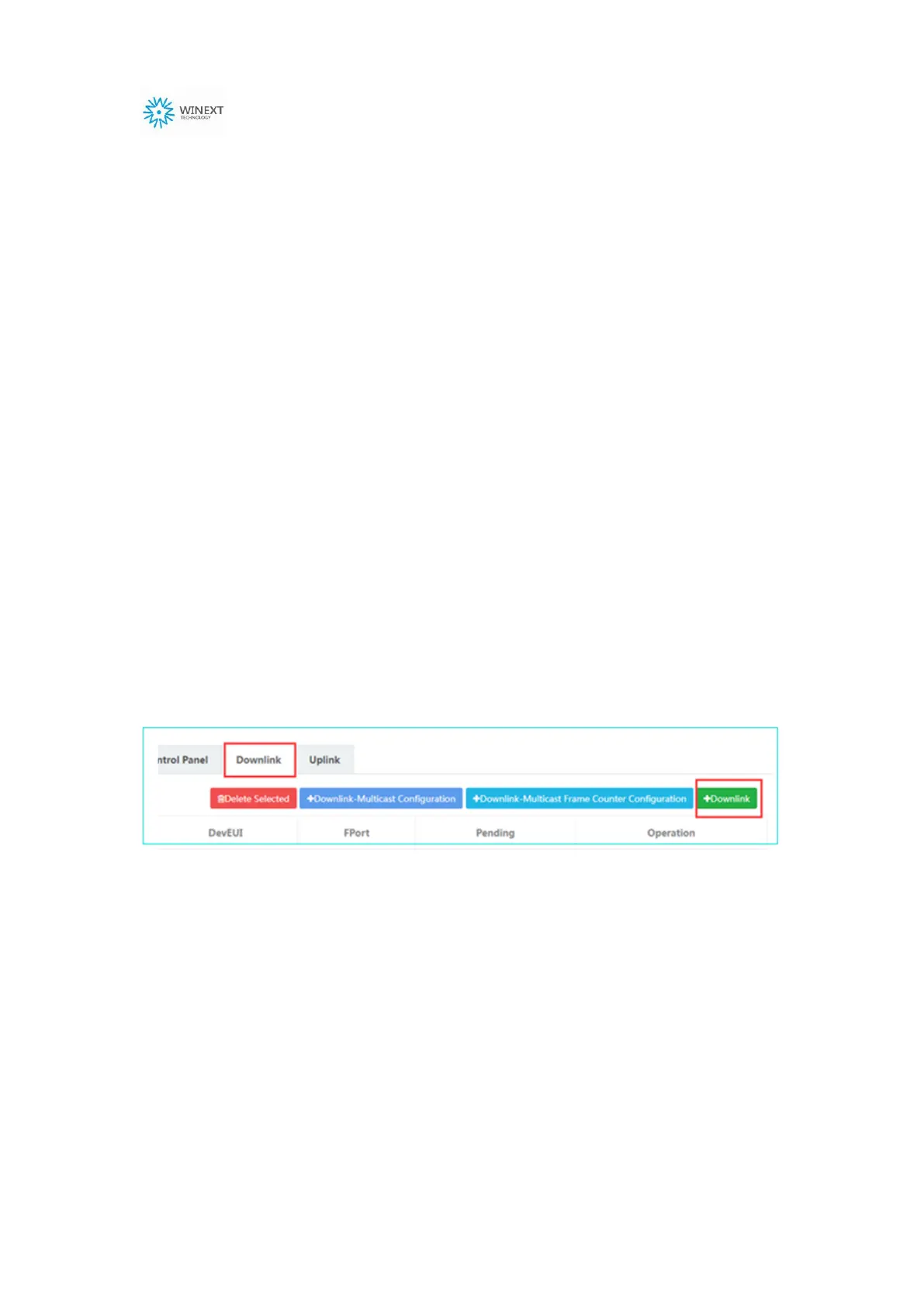
2. Enter the device management platform, click Downlink, and fill in the data and
port number


 To Next Page