33
SETUP Menu
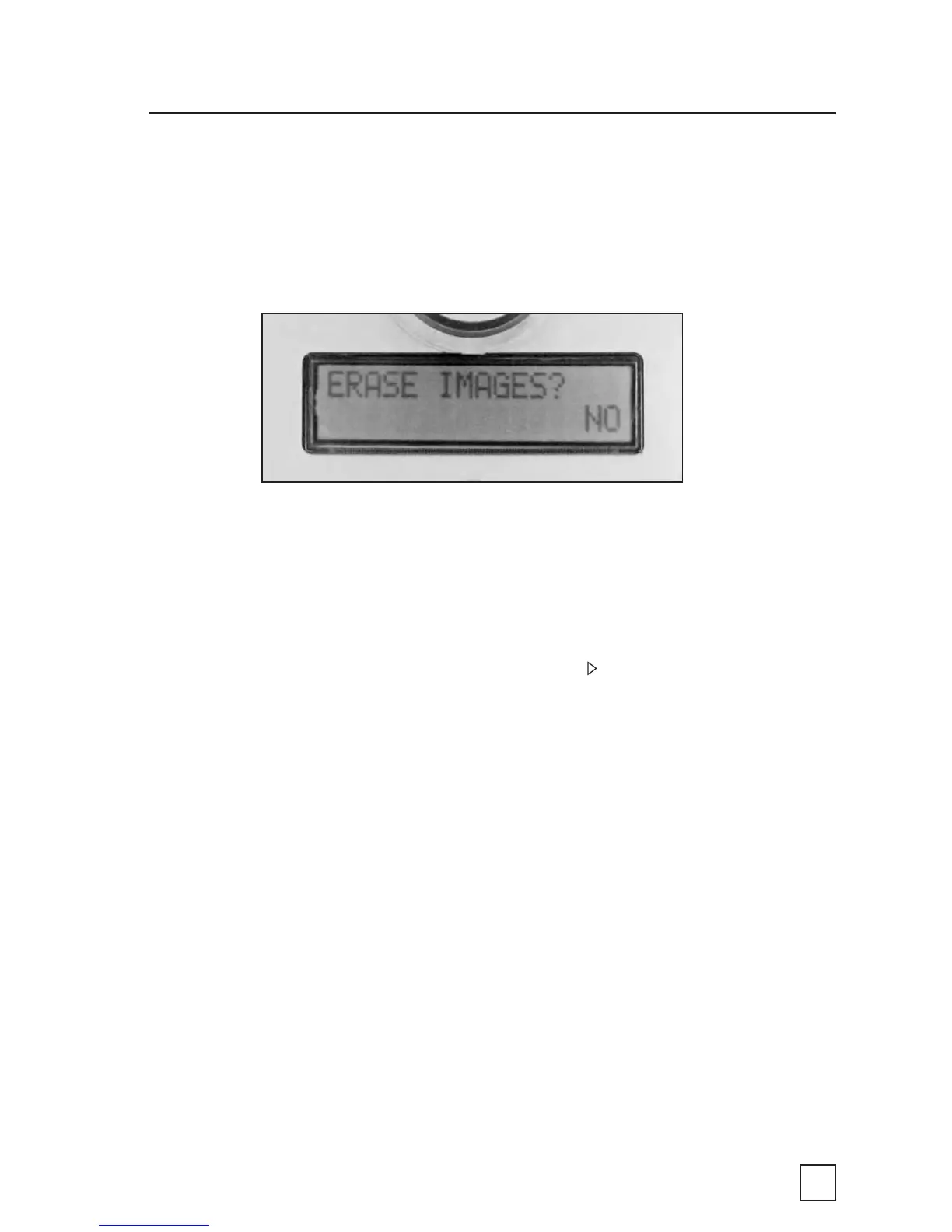
ERASE IMAGES?
This setting allows users to permanently erase all photos and videos
stored in the BirdCam’s memory.
NO – This option is the default factory value. Selecting this value will
have no affect on the BirdCam.
YES – To permanently erase all photos and videos stored in
the BirdCam’s memory, select YES and press . When DONE is
displayed, the memory has been erased.
SD Card installed – This option will only erase the SD card. It will
not affect images stored in the BirdCam’s internal memory.
SD Card NOT installed – This option will erase the BirdCam’s
internal memory.



 To Next Page