34
SETUP Menu
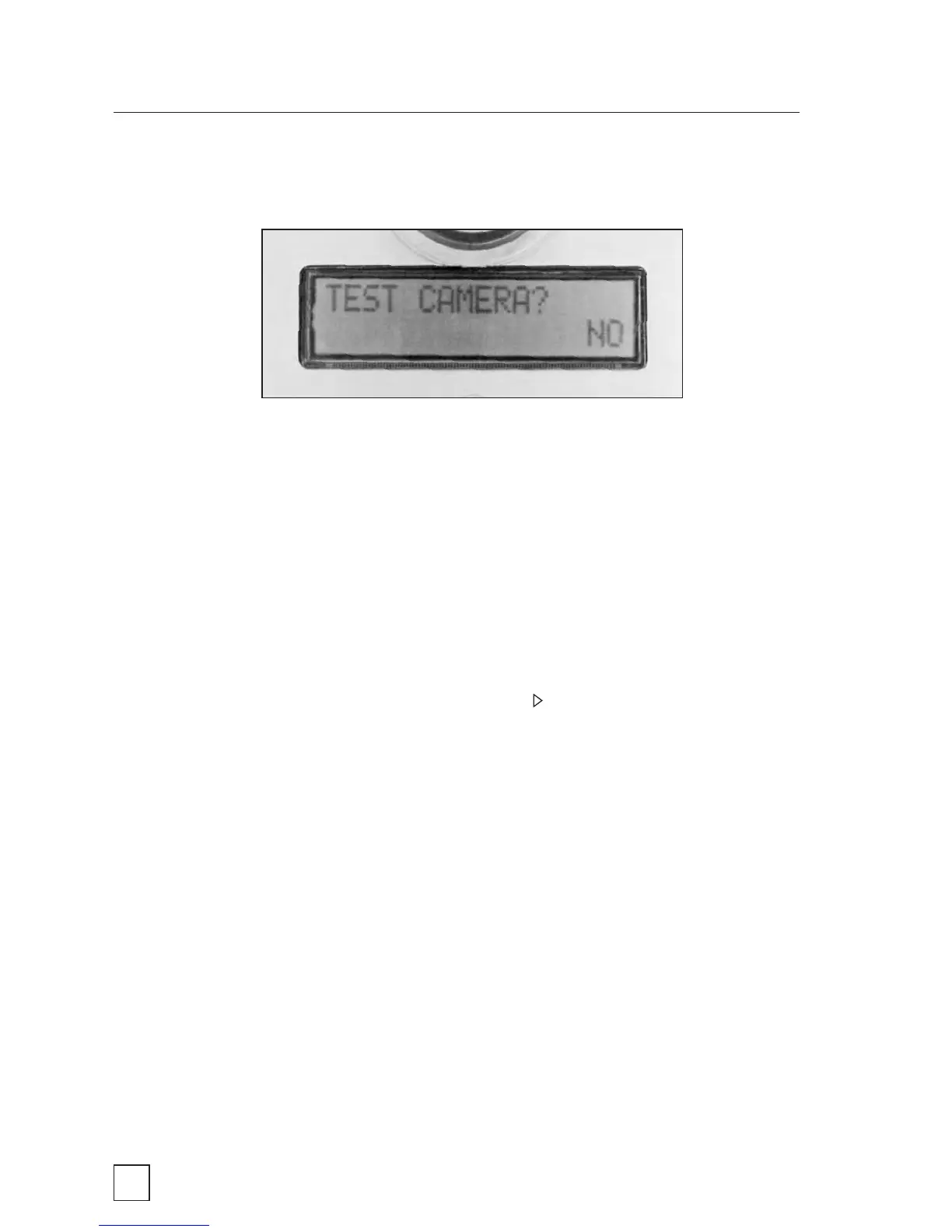
TEST CAMERA?
This option allows you to run a diagnostic test on the BirdCam. It is
used to check the BirdCam’s functionality and verify that it is working
properly. During this test, important subsystems are tested. This
setting has two options:
NO – This option is the default factory value. Selecting this
value will have no effect on the BirdCam.
YES – Select this option and press to run a diagnostic test.
When you see the message WAVE HAND NOW wave your hand
horizontally about 12 inches from the BirdCam’s infrared sensor.
When you see the message TEST IN PROGRESS, stop waving
and wait for results. For an explanation of test results, see the
Troubleshooting section.



 To Next Page