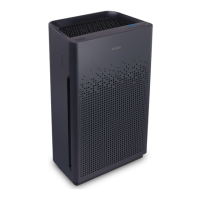
English AM90
FILTER CARE
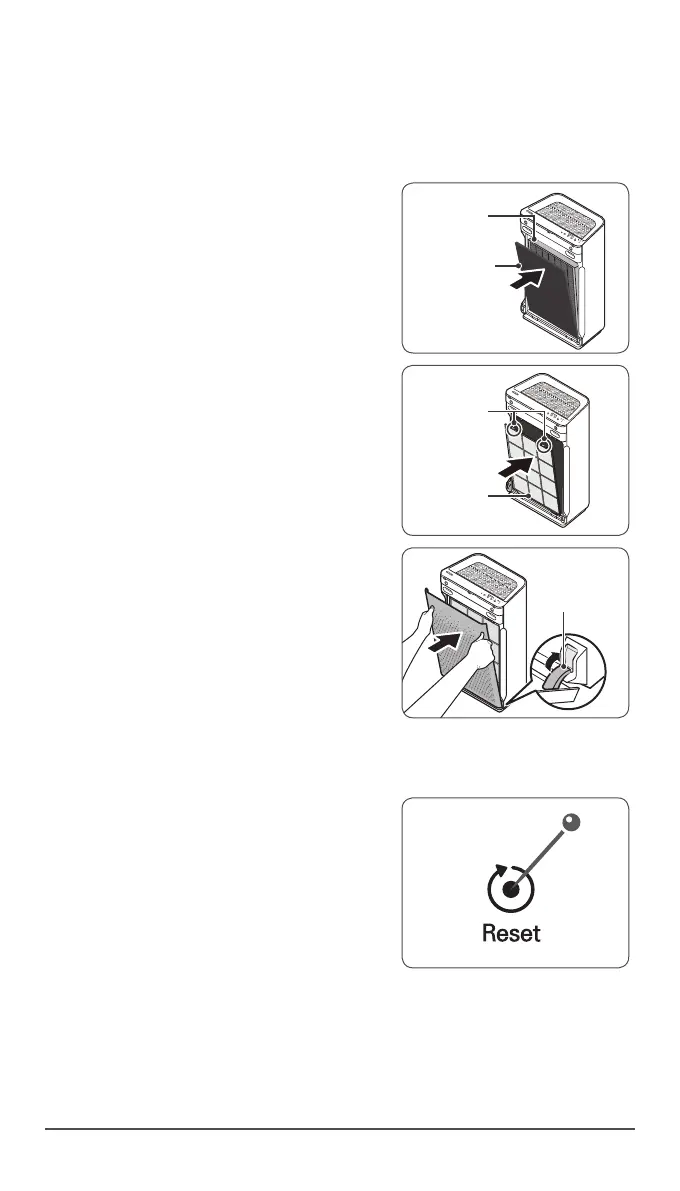
4. Replacing Filters
Insert the True HEPA filter first, then the
Carbon filter.
Carbon lter
True HEPA
lter
Insert the Pre-filter.
•
Insert bottom tabs of the Pre-filter into
the slots on either side of the lower part
of the unit, then rotate upward to insert
the upper tabs into the slots at the top
part of the unit until sides audibly click
into place.
Replace the front panel by first inserting
the latch at the bottom edge into the base
of the unit, then rotate the panel upward
toward the top of the unit until the magnets
pull the lid closed.
5. Resetting The Unit
After replacing the filters, turn the power
onto the unit and then use a thin object,
such as a paper clip, to press the RESET
switch for 5 seconds.


 To Next Page