4 Version 1.0
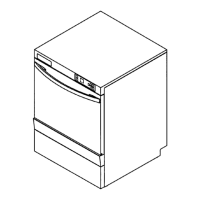
Description of the machine
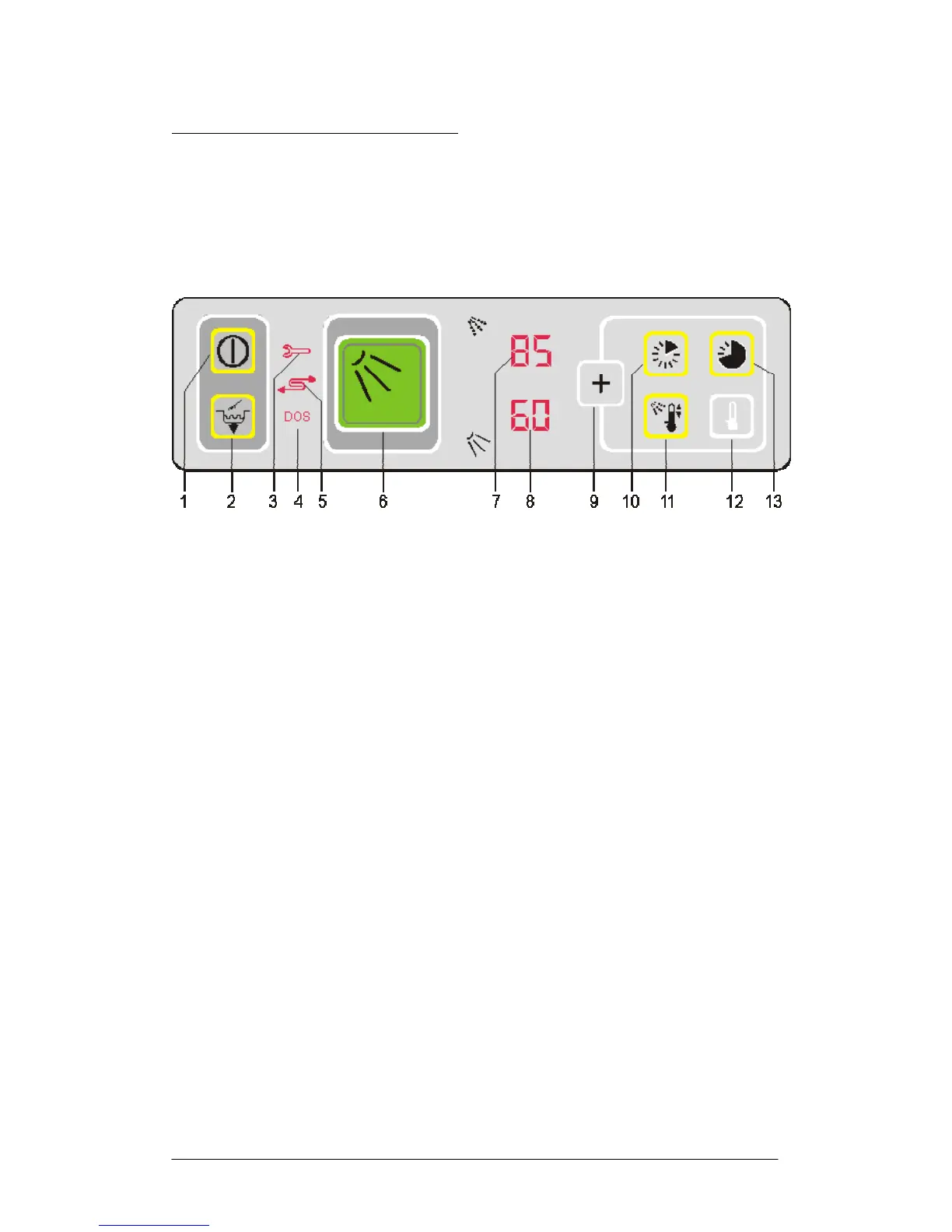
Operating panel
The operating panel is situated in the upper part of the machine.
1 On/Off switch
2 Tank drainage / self-cleaning
3 Control lamp for fault
4 Control lamp for lack of chemicals
5 Not used
6 Start wash button
7 Temperature display – Boiler
8 Temperature display – Tank
9 Store button – Stores changed parameters
10 View program step and time to go while washing
11 View temperatures while washing
12 Not used
13 Not used




 To Next Page