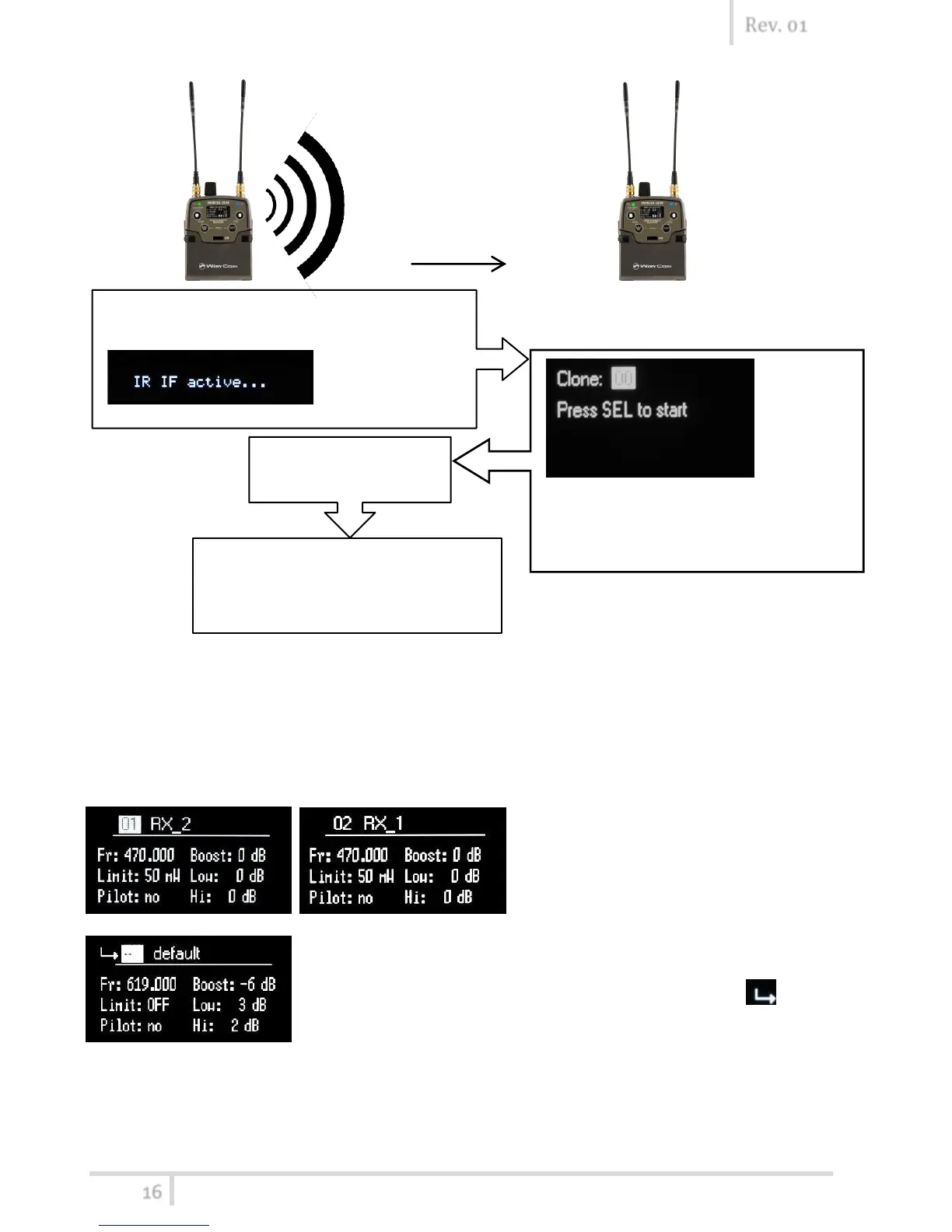
How to load a clone
Use Clone>Load menu or UP/DOWN button (if the quick menu is configured to clone) to load a
clone. Afterwards push the arrows to change clone, SEL to activeted the clone and EXIT to exit
without changing.
Ex.
The configuration saved before the loading of the clone is saved on
the clone default, theref
allows to return with the previous settings. The following
arrows displayed near the clone number indicates the currently
clone loaded.



 To Next Page