WT901BLECL BLE5.0 | manual v0707 | http://wiki.wit-motion.com/english
3.3.2 Magnetic Field Calibration
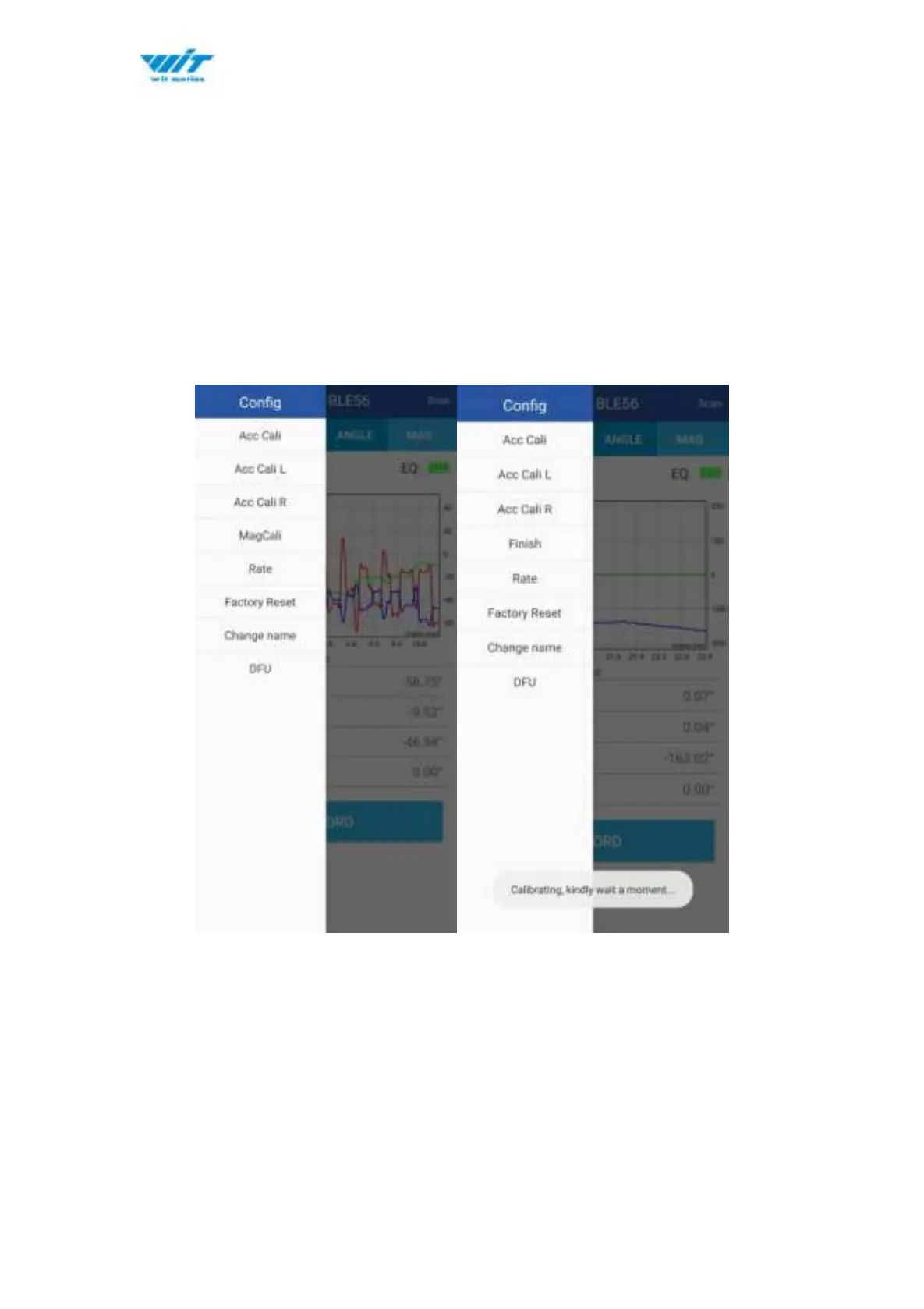
Step 1. Click the "Calibration" menu
Step 2. Click the "Magnetic calibration" button
Step 3. Slowly rotate the module 360° around X, Y, Z, 3-axis accordingly
Step 4. After rotation, click “Finish”
Check the result: The Z-axis angle will have less drift than before.
Notice: If there is drift of Z-axis, please stay away from the objective that can
create magnetic field interference.



 To Previous Page