WT901BLECL BLE5.0 | manual v0707 | http://wiki.wit-motion.com/english
2.1.2 BLE 5.0 Adapter Connection
Adapter’s CP2102 driver link
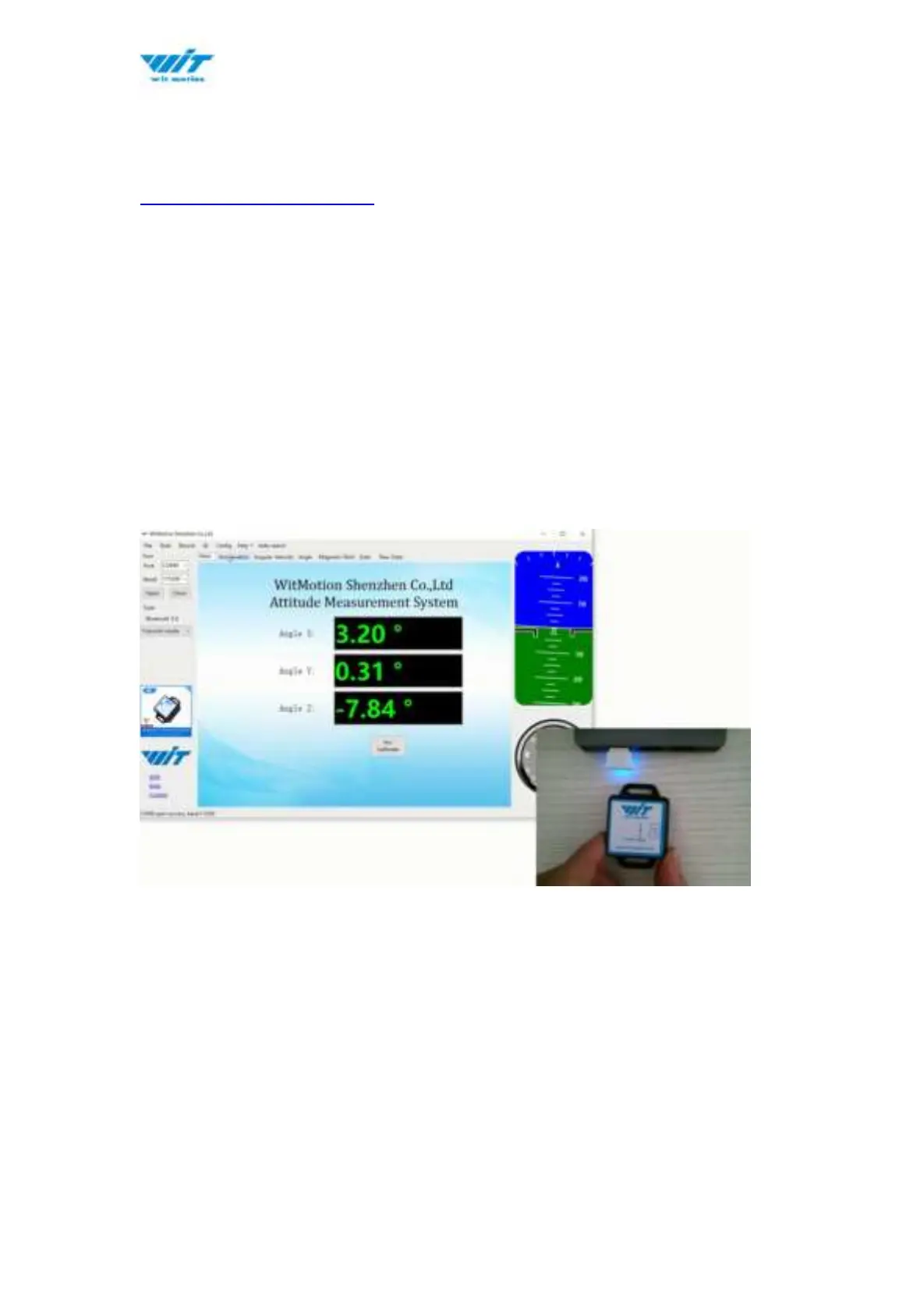
Step 1. Insert adapter into the USB port in the beginning
Step 2. Turn on the switch of the sensor after blue light of adapter flashes
Step 3. Wait till the adapter's blue LED light keeps on
Step 4. Sensor’s Blue LED light remaining flashing means pairing succeeded
Step 5. Open the software, Minimu.exe
Step 6. Data will appear once the auto-search finished



 To Next Page