34
User Manual WMF1500 S
Software | Care
4.3 Care
1/2
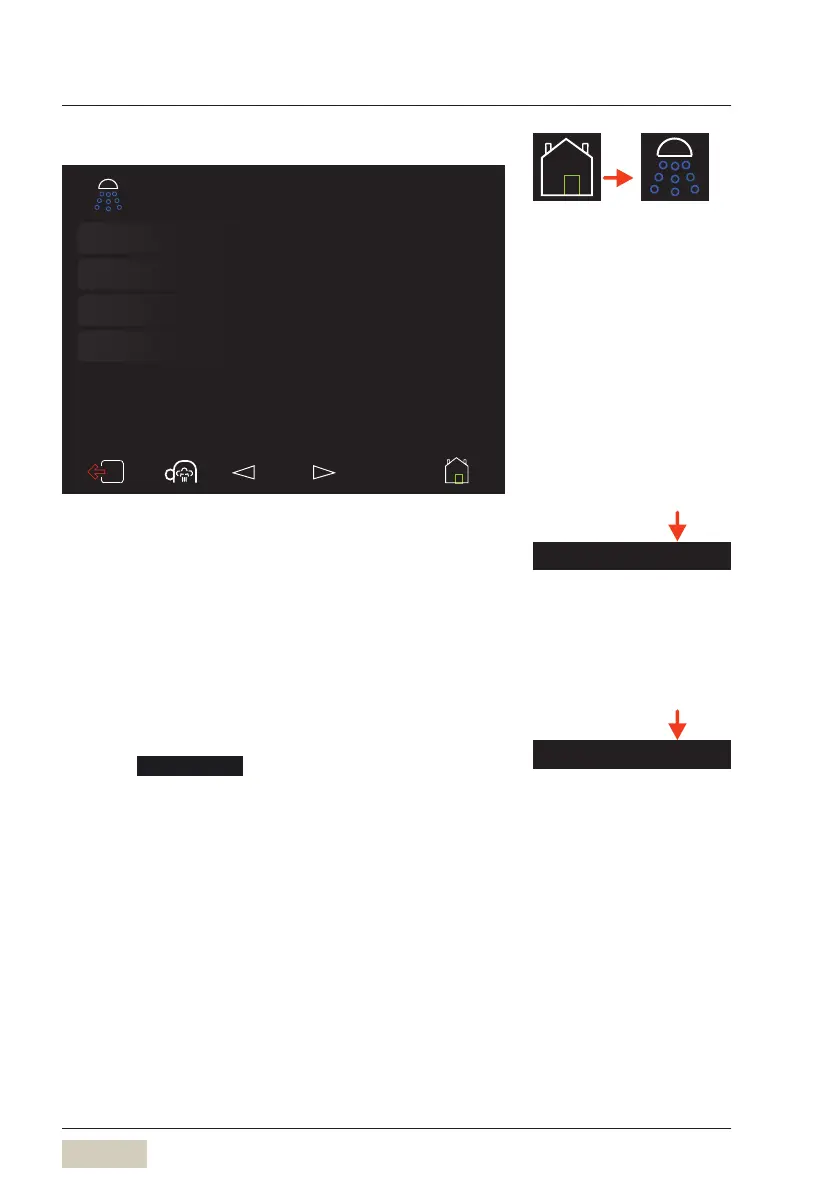
Cleaning programs
...
Selection of different cleaning
programs
CleanLock
Touch display switch off for display
cleaning
Instructions
...
Cleaning animations
Fill milk system
Fills the milk system with milk
Care
Cleaning programs
• System cleaning
With switch off or without switch off of the
coffeemachine after system cleaning.
• Mixer rinsing
• Milk system cleaning
• Foamer rinsing
CleanLock
Touch CleanLock
A 15-second countdown starts.
The touch display can now be cleaned.
The touch display is activated again 15seconds after
the last time it was touched.
Menu control pads
w Overview
page 31
Care chapter
w starting on page 61
HACCP cleaning schedule
w starting on page 84
Cleaning programs
Care chapter
w starting on page 61
CleanLock



 To Next Page