43
User Manual WMF1500 S
Software | Operating options
4.5 Operating options
For self-service mode, afew functions can be switched
to be inactive.
The functions and their pads are not displayed in the
inactive state.
Button layout
Various standard button layouts are saved here can
beselected.
Level switching
Options: • active
• inactive
Default value:
active
active Beverage selection available at several
different levels (browse pages).
Button allocation
Text and illustration
w page 42
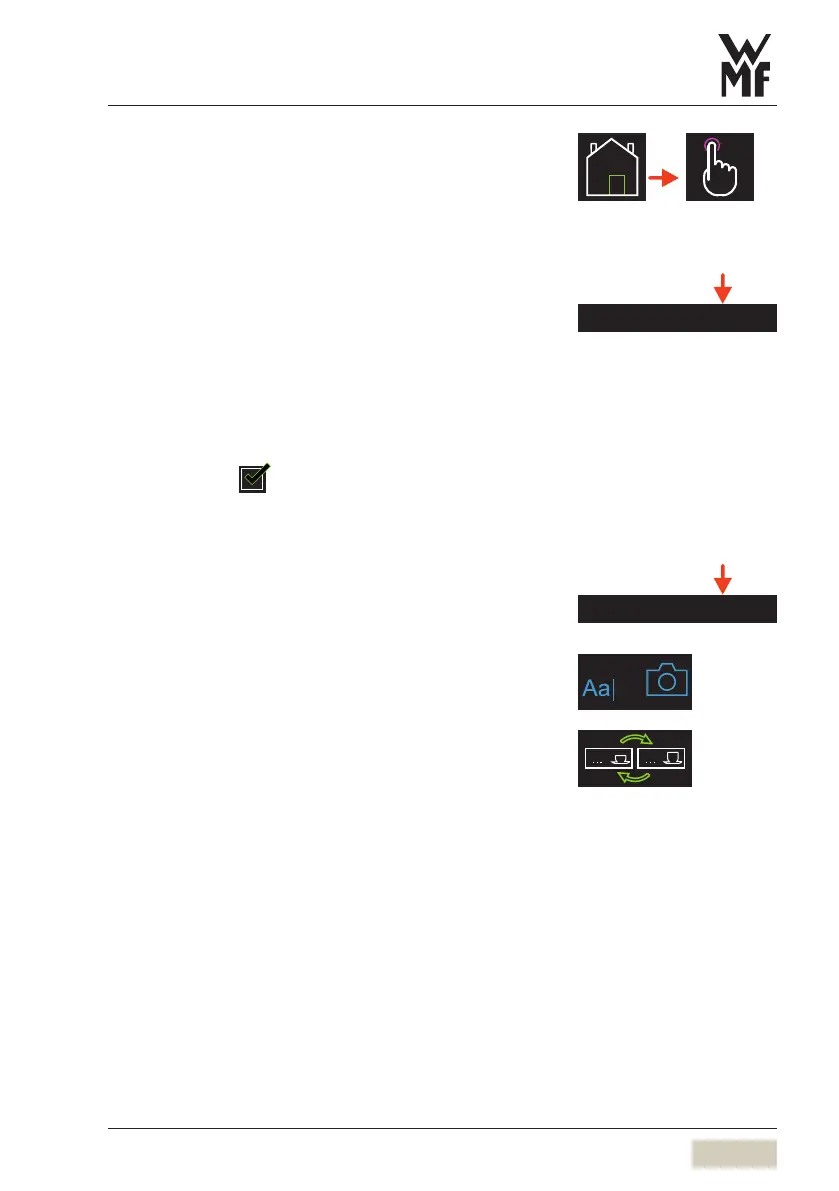
Change buttons
The positions of two beverage buttons are
swappedhere.
Touch abeverage button
Touch the “Change buttons” pad
Touch the beverage button that is to be swapped
Confirm the swap
Button layout
Button allocation



 To Next Page