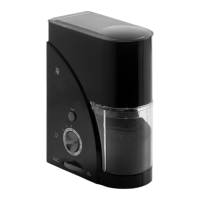
Looking after your coffee pad machine
20
> Rinse out the water tank and fill it with fresh, cold tap water up to the Max. mark R.
> Insert the water tank into the appliance and replace the cover.
> Ensure that the empty pad cartridge is inserted and turn the adjusting knob B to the right to
position z.
> Place two large cups close together onto the drip tray grid and beneath the coffee spout.
> Switch on the appliance.
> Press the two cup buttons E and G simultaneously to start the rinse procedure.
The ready indicator
F lights up red during rinsing.
> Turn the adjusting knob B back to the home position |, when no more liquid is being dispensed.
5.3 Manual cleaning
> Before cleaning, unplug the mains plug.
> Do not allow the appliance to stand for a long time without a water tank.
Hazard!
Risk of electrocution!
Water or other liquids which get into the electronic system of your coffee pad machine can cause poten-
tially life-threatening electric shocks.
> Do not clean your coffee pad machine under running water. Do not use steam cleaners or steam jet
machines.
> Never open the housing on your coffee pad machine
> Never submerge the appliance in water.
> Do not reach into the inside of your coffee pad machine with your hands. Do not use tools or
similar devices.



 To Next Page