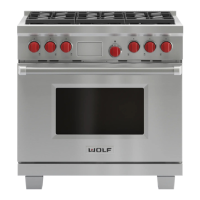
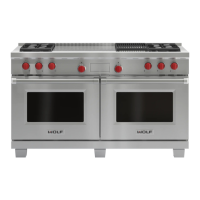
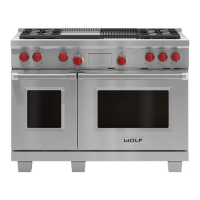
Operational Information
3-13
DDuuaall FFuueell RRaannggee
Broil Mode
The top element is used to conduct an intense, radiant
heat which browns one side of the food at a time. This
mode is best for meats, fish and poultry pieces up to 1-
inch thick.
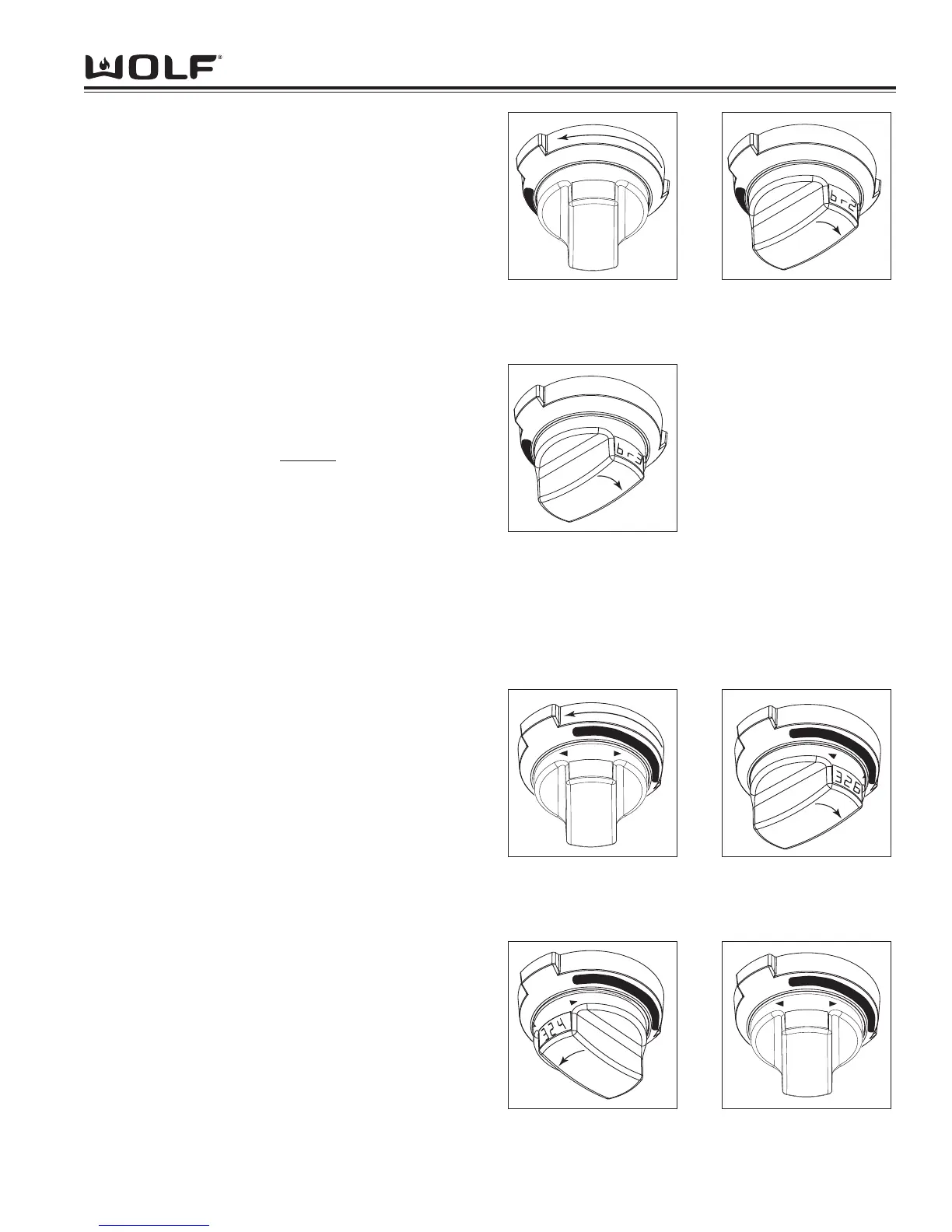
To initiate Broil Mode, turn oven control knob bezel
counter clockwise to BROIL. (See Figure 3-17).
Temperature is preset to "br1" for 550°F (290°C)-Hi
Broil. To change oven temperature, immediately turn
the temperature readout knob to left to decrease oven
setting to "br2" for 450°F (230°C)-Med Broil or "br3" for
350°F (175°C)-Low Broil. (See Figure 3-18 and 3-19).
Oven will turn on after 2 seconds or press ENTER key.
To
exit Broil Mode, turn oven control knob bezel to OFF.
NOTE: Timer function may be used during this mode.
NOTE: Never preheat for Broil mode.
NOTE: Temperature probe may not
used in this mode.
Convection Mode
Dual convection fans, each with a heating element,
operate from the back of the oven and move heated air
throughout the entire oven cavity. Uniform air move-
ment makes it possible to cook on all six rack levels
simultaneously. The heat is cycled on and off to main-
tain temperature, resulting in evenly browned food.
To initiate Convection Mode, turn oven control knob
bezel clockwise to the dark area on dial marked CONV.
(See Figure 3-20). Temperature is preset at 325°F
(160°C). To change oven temperature, immediately
turn the temperature readout knob to right to increase
oven temperature or to left to decrease oven tempera-
ture setting. (See Figure 3-21 and 3-22). Oven will
turn on after 2 seconds or press ENTER key. To exit
Convection Mode, turn oven knob bezel to OFF.
NOTE: Always preheat for Bake mode.
NOTE: Temperature probe may be used in this mode.
NOTE: Timer function may be used during this mode.
NOTE: The temperature display alternates between set
and actual oven temperatures during preheat.
NOTE: Temperatures below 150°F are displayed by
the word "Lo" in the oven knob display window during
preheat.
NOTE: Oven will chime when oven preheat tempera-
ture has been achieved.



 To Next Page