WM8804 Production Data
w
PD Rev 4.1 September 2007
12
. . . . . . . . .
Frame
192
Frame
1
Subframe 1 Subframe 2
Sync
preamble
Aux V U C PAudio Sample Word
3 4 7 8 27 280 31
32 bits
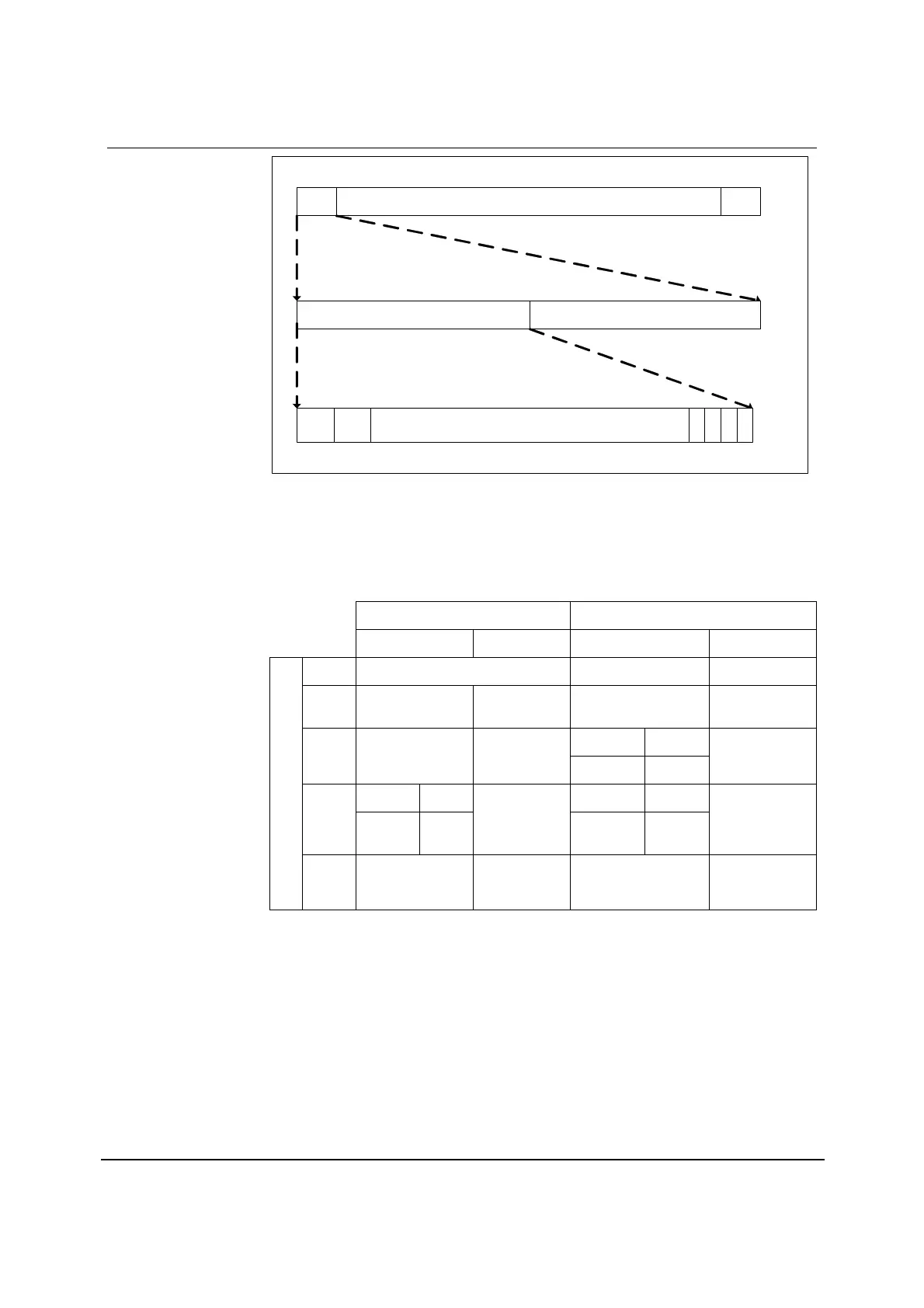
Figure 6 S/PDIF Format
POWER UP CONFIGURATION
The operating mode of the WM8804 is dependent upon the state of SDIN, SCLK, SDOUT, CSB and
GPO0 when the device is powered up or a hardware reset occurs. Table 6 summarises the
configuration options.
HW RESET = 0 HW RESET = 1
SWMODE HWMODE SWMODE HWMODE
SDIN HWMODE / SWMODE Select SDIN N/A
SCLK N/A AIF_MS SCLK
GPO
(TRANS_ERR)
2-wire 3-wire
SDOUT N/A AIF_CONF[0]
GPO SDOUT
GPO
(NON_AUDIO)
2-wire 3-wire 2-wire 3-wire
CSB
Device
Address
N/A
TXSRC
GPO CSB
GPO
(UNLOCK)
PIN
GPO0
2-wire/3-wire
Mode Select
AIF_CONF[1] GPO
GPO
(GEN_FLAG)
Note: AIF_CONF[1:0] configures the audio interface when the device operates in hardware mode.
Refer to Table 16 for description of modes.
Table 6 Device Configuration at Power up or Hardware Reset



 To Next Page