5-28 How to Download a Job File Rev AB
Wolke m600 Universal Operator Manual
The buttons at the bottom of the page have the following functions:
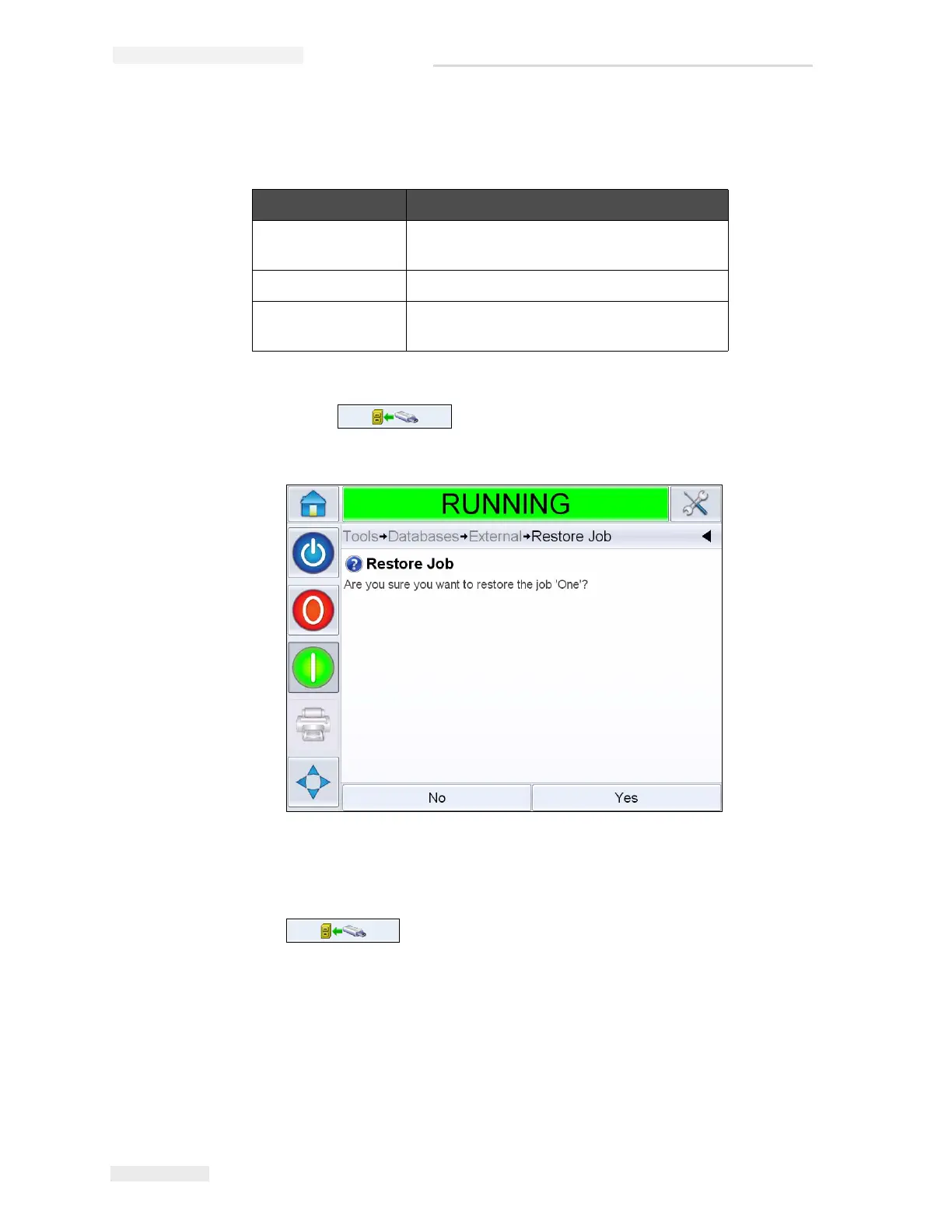
15 Touch to restore a job. A confirmation appears
(Figure 5-32). Touch Yes to confirm.
Note: To restore all Jobs from the USB Memory Stick at one time, do not
select a Job name from the list and touch the Transfer button
.
Buttons Functions
Cancel Exits the current operation and takes you
back to the previous screen.
Transfer Button Restores the currently selected Job.
Edit Allows Jobs to be deleted from the USB
Memory Stick.
Table 5-3: Bottom Buttons
Figure 5-32: Confirmation Screen



 To Next Page