30
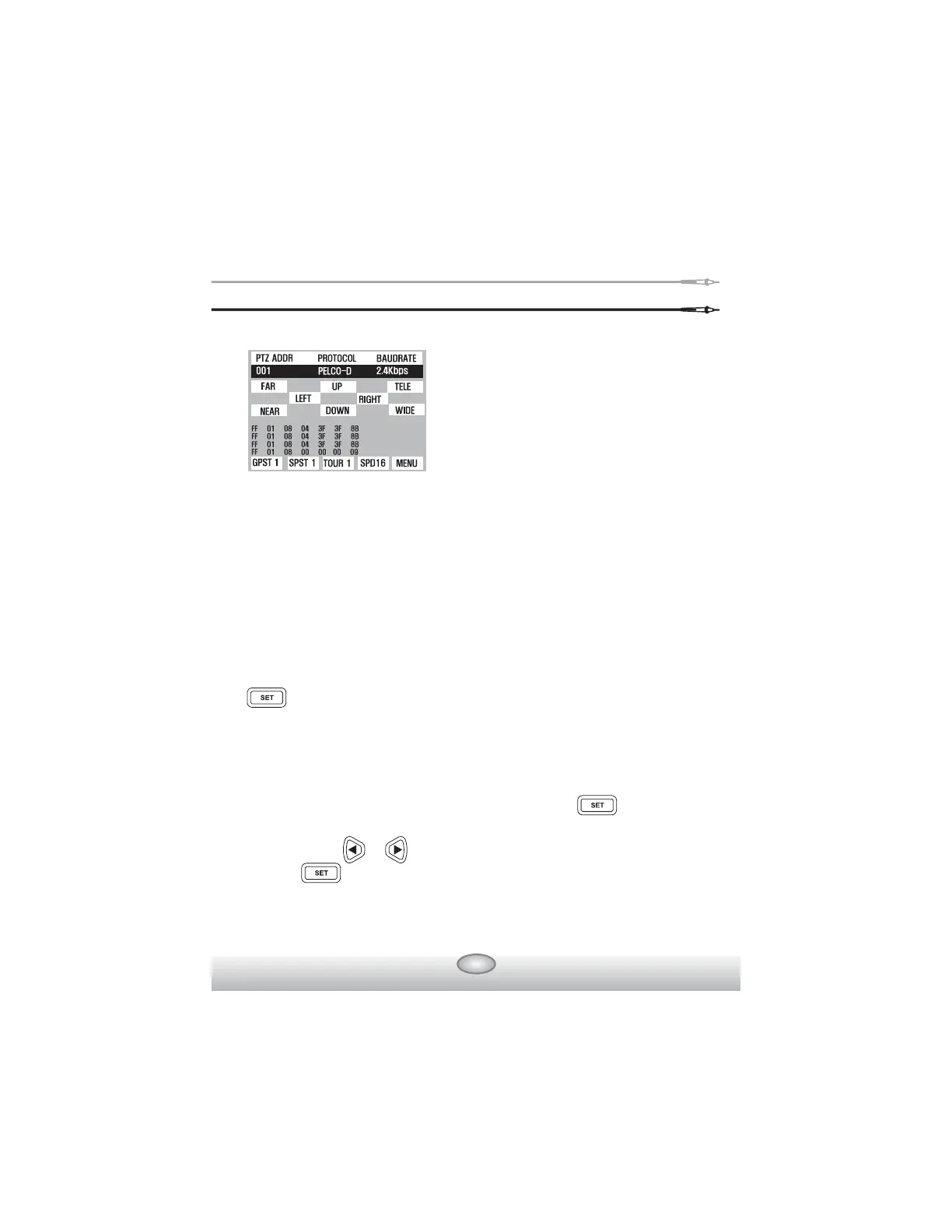
- Key Board Control Code Screen
When you want to know the input signal of an exterior controller,
you can see the input data by connecting the communications cable
to the RX terminal of the Rapport 337.
㯲
How To Control PTZ
PTZ functions (controlling Up, Down, Left, Right), etc. are possible to be
tested, by using buttons : FAR/NEAR(FOCUS ADJUSTING), TELE/
WIDE(ZOOM ADJUSTING), and SHIFT SETUP.
㯲
FUNCTION SETUP of PTZ
By using the SHIFT SETUP key, adjust GPST / SPST / TOUR /
SPD / MENU displayed on the lower part of LCD screen by pressing SET
key once shortly.
GPST : It moves the camera view to the designated preset location.
Setup can be from 1 up to 99. (short for GO TO PRESET).
When the cursor runs to GPST position after key is pressed,
select the previously memorized PRESET number, using number,
using & keys. When the selection is completed, press
key one more time, it moves to the memorized location.
- The controlling code of protocol
from the key board or DVR is
displayed on the screen.
Most important, however, is that the
communications speed should be of
one accord.



 To Next Page