5
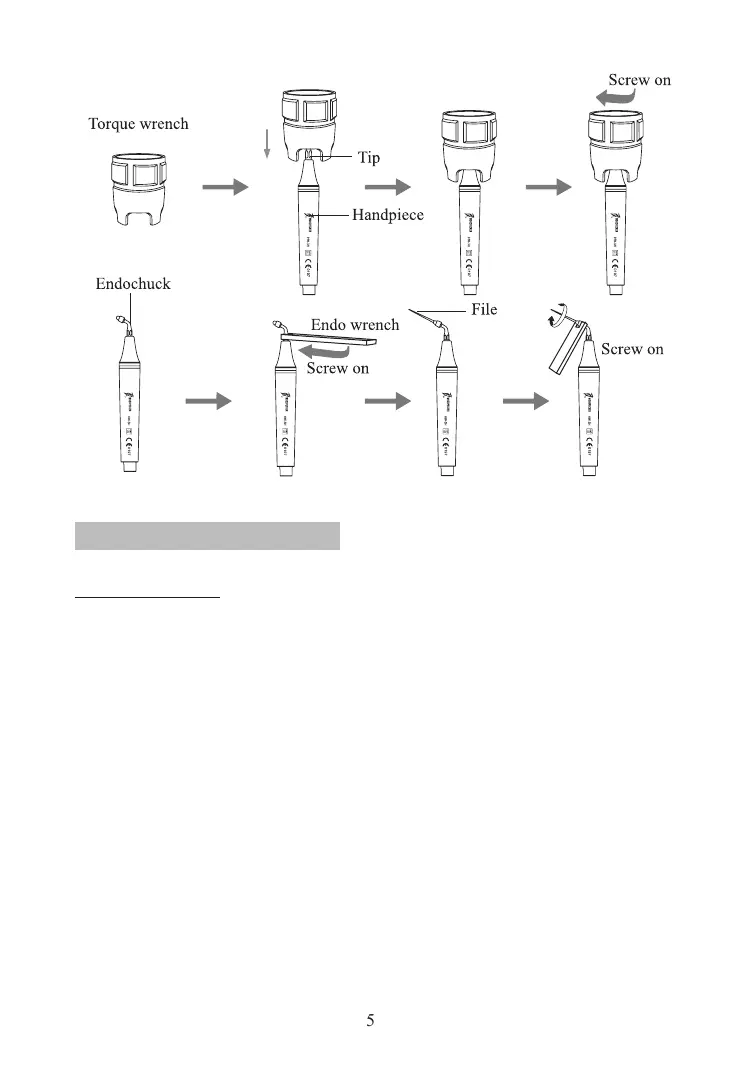
Figure 6
2. Product function and operation
2.1 Scaling function
2.1.1 Operation
a) Open the packing box, make sure that all the parts and accessories are
complete according to the packing list. Take the main unit out of the box and put
it on a stable plane.
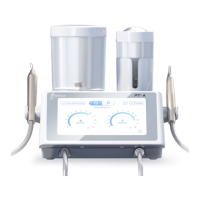
b) Turn the water control knob to the max based on symbol as shown in
3.5.2 [ note l ].
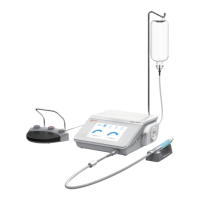
c) Insert the plug of the foot switch to its socket (See Figure 3).
d) Water way installation:
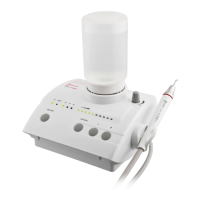
Install the bottle reversely to the connector with adequate puried water (See
Figure 4).
e) Screw the scaling tip tightly to the handpiece by torque wrench, then
connect the handpiece and the connector of cable correctly.
f) Insert the plug of the power supply to its socket , then get through to the
power.
g) Switch on the main unit, then the scaling indicator and the rst ve power
indicators shine, auto-water indicator is on.
h) According to need, press water button to choose auto-water or DRY mode.



 To Next Page