EasyManua.ls Logo

Woods BATWING BW15.51 - User Manual

Woods BATWING BW15.51
66 pages
Print Icon
To Next Page IconTo Next Page
Loading...
OPERATOR'S MANUALOPERATOR'S MANUAL
(
Rev 5/03/2022
)
MAN1337
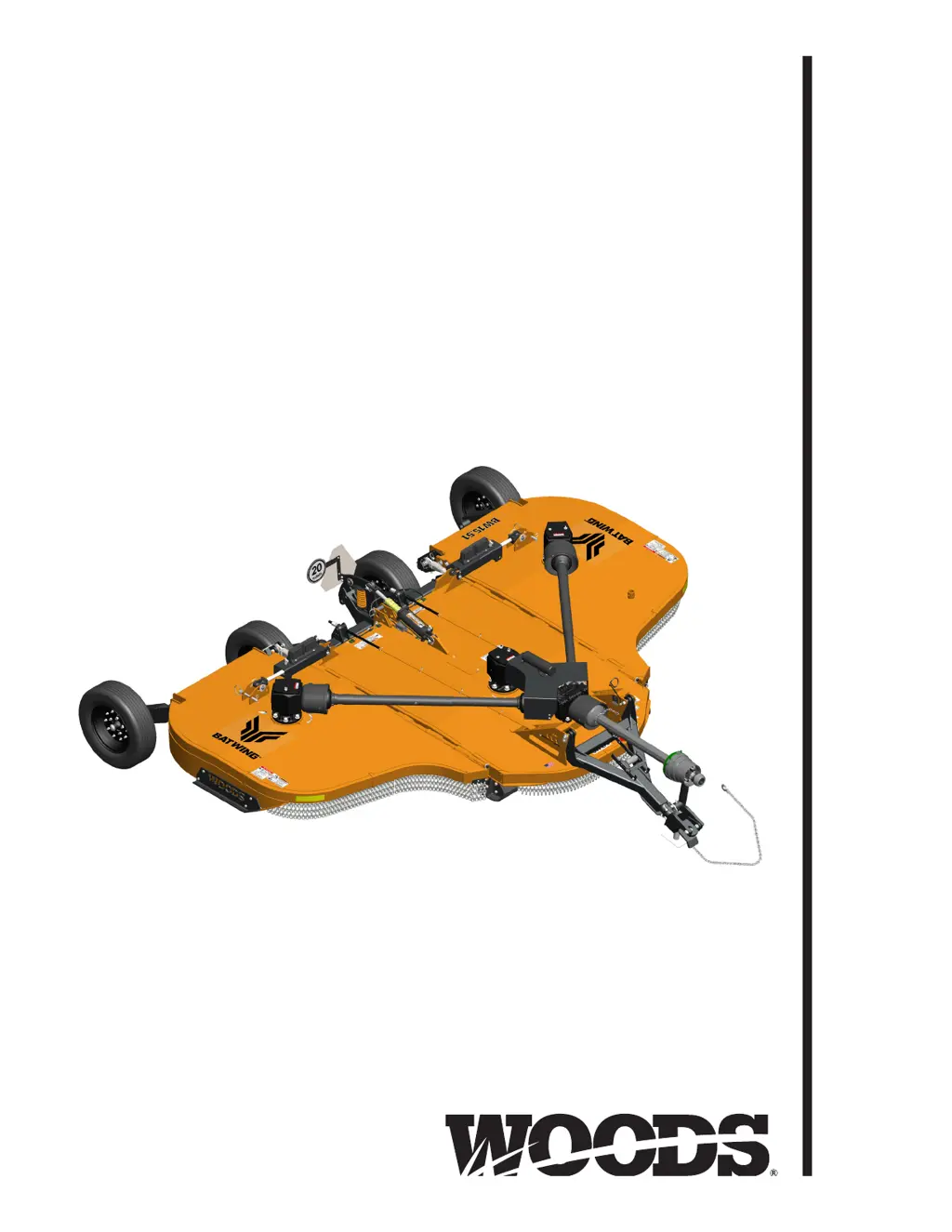
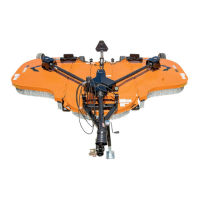
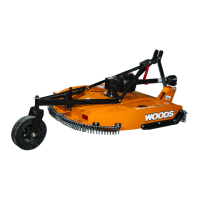
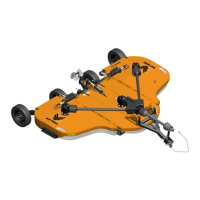
BATWING
®
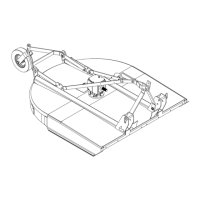
ROTARY CUTTER
BW15.51
BW15.51Q
BW10.51
BW10.51Q

Questions and Answers

  • C
    charlesjohnsonAug 12, 2025
    Why Woods Cutter does not cut?
    • D
      Donald MartinAug 12, 2025
      Your Woods Cutter might not be cutting due to several reasons. The blades could be dull, so you should sharpen them. They might also be worn or broken, in which case you should replace them in pairs. The PTO speed could be incorrect, so set it at the rated speed. Alternatively, the ground speed might be too fast, so reduce it. Other potential issues include a non-functioning drive, a gearbox malfunction, excessive clutch slippage, or incorrect blade direction. Inspect the drive shaft connection, gearbox, and clutch, and ensure the blade edge is correct for the rotation direction.
  • B
    Benjamin MartinezAug 16, 2025
    What to do if Woods BATWING BW15.51 Cutter has streaks or ragged cut?
    • J
      Justin TurnerAug 16, 2025
      If your Woods Cutter is leaving streaks or a ragged cut, there are several things to check. Start by inspecting the blades; they may be broken or worn and need to be replaced or sharpened. Ensure the machine is level. Also, reduce your ground speed. If the cutting height is too high, lower it, being careful not to hit the ground frequently. If you're dealing with excessive, lush, and tall vegetation, try recutting at a 90° angle to your first pass.
  • A
    Amber RuizAug 19, 2025
    Why Woods Cutter has excessive clutch slippage?
    • D
      Dale HernandezAug 19, 2025
      Excessive clutch slippage in your Woods Cutter can stem from a few causes. The clutch might be out of adjustment, so try adjusting it. The clutch discs may be worn, preventing them from properly contacting the opposite plate, in which case you should replace the discs. Also, check if the blades are hitting the ground, and if so, raise the cutting height.
  • M
    mark65Aug 25, 2025
    What causes vibration in Woods BATWING BW15.51 Cutter?
    • C
      christopher34Aug 25, 2025
      Vibration in your Woods Cutter can be caused by several factors. A broken blade is a common cause, so replace the blades in pairs. Bearing failure can also lead to vibration; check the gearbox shafts for side play. Additionally, an incorrect hitch length or universal drive alignment can cause vibration; reset the hitch length and adjust the pedestal bearing height to be parallel to the ground.
  • J
    Julie WilsonAug 27, 2025
    What to do if Woods BATWING BW15.51 blades are hitting deck?
    • W
      william40Aug 27, 2025
      If the blades on your Woods Cutter are hitting the deck, it's likely that the blades or crossbar are bent. Replace the bent blades or crossbar to resolve this issue.
  • M
    Michael TurnerAug 31, 2025
    Why Woods BATWING BW15.51 unit doesn’t cut level?
    • J
      Jesse BlevinsAug 31, 2025
      If your Woods Cutter unit isn’t cutting level, it could be because the wing section cuts lower than the center. If this is the case, lengthen the turnbuckle connecting the center yoke to the wing wheel yoke. Alternatively, the wing section might be cutting higher than the center, in which case you should shorten the turnbuckle connecting the center yoke to the wing wheel yoke.
  • C
    Caitlin HendersonSep 3, 2025
    Why Woods Cutter unit will not raise?
    • D
      Darlene WatsonSep 3, 2025
      If your Woods Cutter unit will not raise, the most likely cause is low hydraulic oil. Add hydraulic oil to resolve this issue.
  • A
    ashley53Sep 7, 2025
    What causes excessive side skid wear on Woods BATWING BW15.51 Cutter?
    • V
      vharveySep 7, 2025
      Excessive side skid wear on your Woods Cutter is typically caused by running with the skids continuously on the ground. To prevent this, raise the cutting height or adjust the skids.

Summary

Manual Introduction

Safety Rules Overview

Essential safety guidelines covering operation, transport, and maintenance.

Safety Decals and Warnings

Identification and explanation of critical safety decals on the equipment.

Cutter Specifications and Information

Technical Specifications

Technical details and measurements for the rotary cutter models.

General Operating Information

Overview of the manual's purpose and usage.

Rotary Cutter Operation

Connecting Cutter to Tractor

Procedures for attaching the cutter to the tractor's PTO.

Tractor and Cutter Operation

Guidelines for safe and effective operation of the tractor and cutter.

Transporting and Storage

Instructions for safely moving and storing the equipment.

Equipment Service and Maintenance

Owner Service and Lubrication

Maintenance tasks and lubrication schedules for the owner.

Dealer Service Procedures

Repair and maintenance procedures for authorized dealers.

Assembly and Parts Identification

Dealer Set-Up Instructions

Procedures for dealers to assemble and prepare the cutter for delivery.

Parts Index

List and diagrams of all available parts for the cutter.

Technical Reference Information

Bolt Torque and Size Charts

Specifications for tightening bolts and their sizes.

Abbreviations

Definitions of common abbreviations used in the manual.

Product Warranty Details

Woods BATWING BW15.51 Specifications

General IconGeneral
BrandWoods
ModelBATWING BW15.51
CategoryCutter
LanguageEnglish

Related product manuals