10
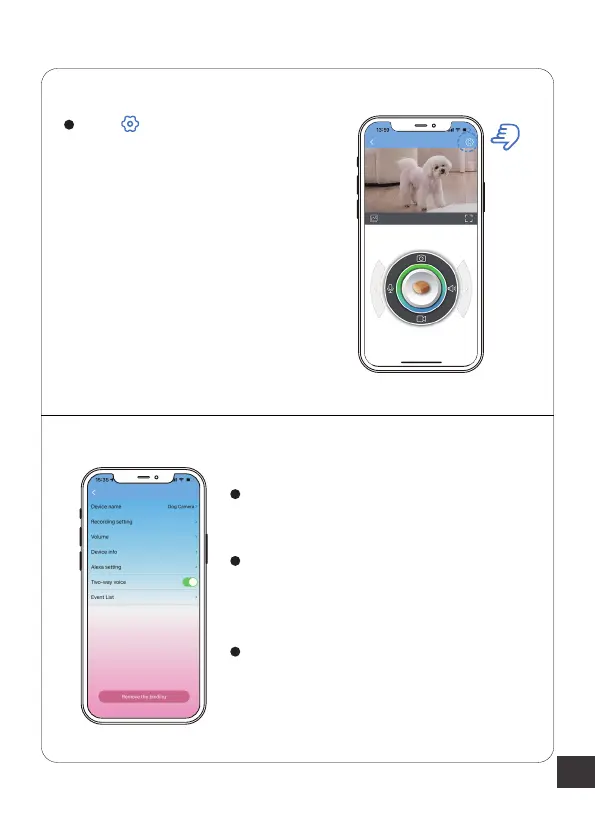
Click in the top right corner
to enter the settings interface.
You can set the device name,
recording,volume etc.
If you want to have voice interaction
with your pet, you must enable the
"Two-way voice" option.
If the device is lacking food, you can
check this notification in "Event List"
option.



 To Next Page