6
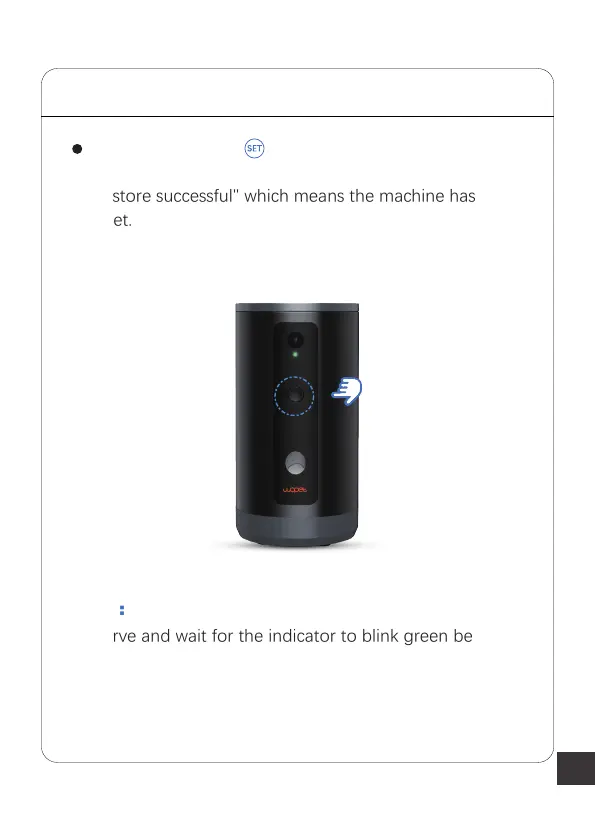
Press and hold the button, then release it when the
device makes a "Ding-Dong" sound. It will then display
"restore successful" which means the machine has been
reset.
Note:
Observe and wait for the indicator to blink green before
selecting the connection mode in the next step
STEP 2 Access the WLAN Network



 To Next Page