8
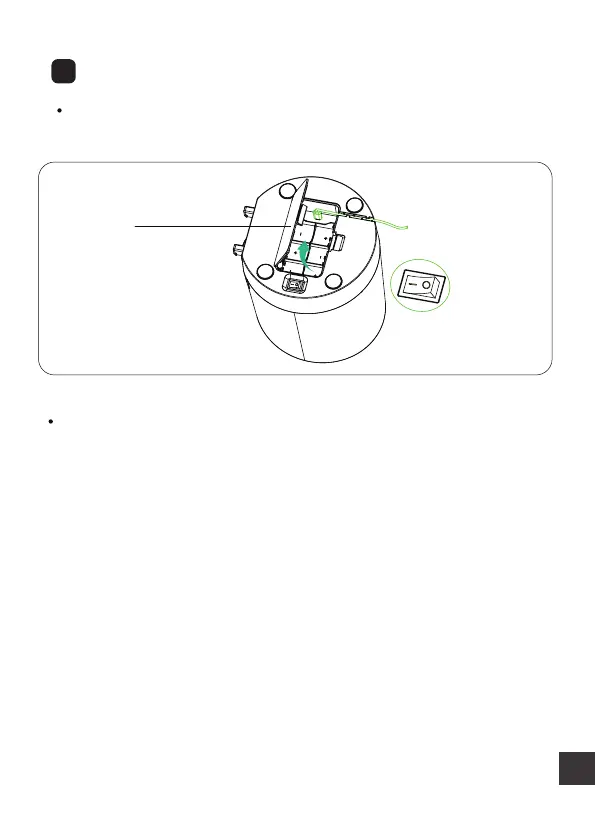
Step 2: Install 3 new D cell, alkaline batteries.(NOT Included)
Push the button switch to “I”. When the power is on, the
green light lights up, which indicates that the power is
normal.
Note:
(11)
5
Plug in the power
Step 1: Open the batteries cover, as shown in (11). Insert the
power cable oriented, put the cable into the slot.



 To Next Page