11
Setting Guideline
In the setting state, the LCD light will turn off and exit the
setting when there is no operation for more than 2min.
(MUST BE UNLOCKED)
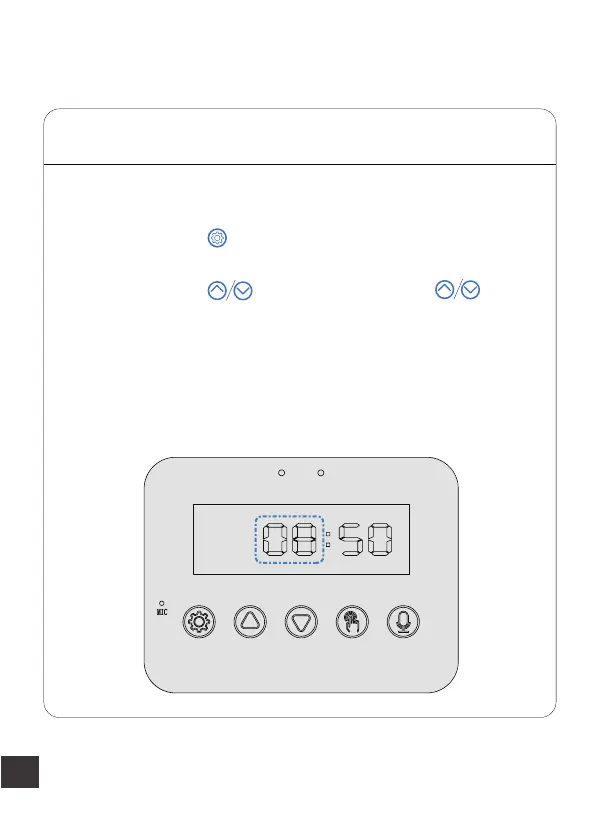
Press and hold the button for 3s until the LCD display lights
up and enter the hour setting mode. The two hour digits will
start to flash, press to set the "hour". Hold digits
will automatically begin to increase/decrease until the desired
time is displayed.
Step 1
— Set the Current Time
Note:
1.1-Hour setting



 To Next Page