10
Buttons Overview
Note:
The screen will lock automatically after 2 minutes of non-use.
Hold for 3s to unlock.
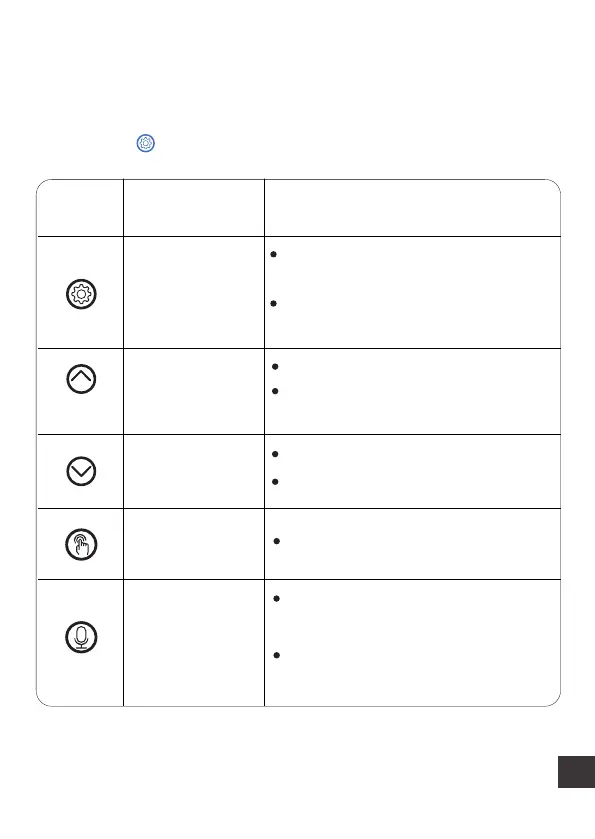
Button Description
Set /Save
Unlock button
Number
Increase button
Number
Decrease button
Manual button
Recording
button
Press to save and move to the
next step
Operable Mode Function
Press and hold for 3s to lock/
unlock other buttons and screen
Press to increase the value
Hold for digit increasing
automatically
Press to decrease the value
Hold for digit decreasing
Press to feed 1 portion
Hold for 3s and start recording
after a beep is heard {max 10s}
Recording saved after a double
beep is heard



 To Next Page