EasyManua.ls Logo

Worx WG180 - User Manual

Worx WG180
32 pages
Print Icon
To Next Page IconTo Next Page
Loading...
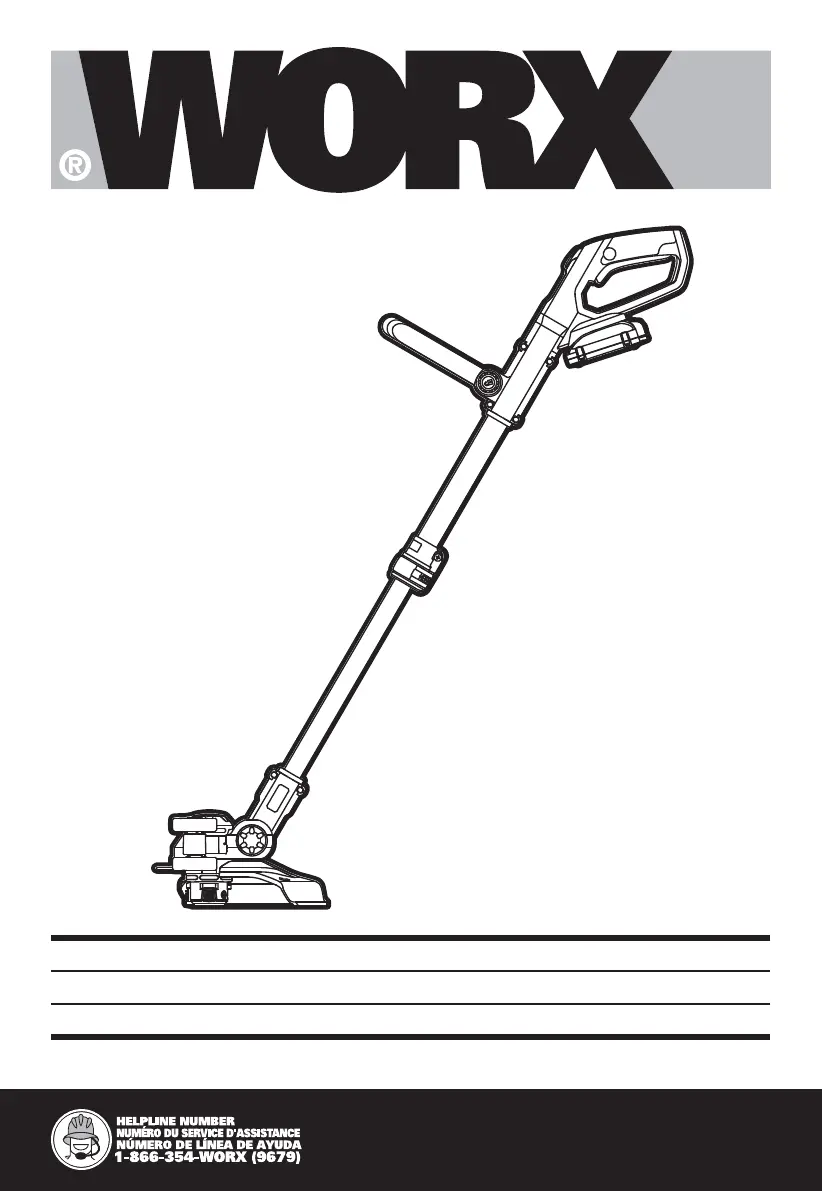
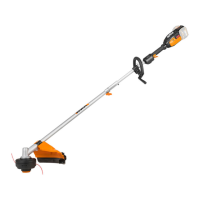
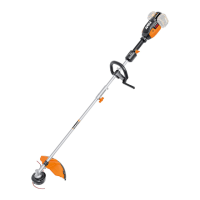
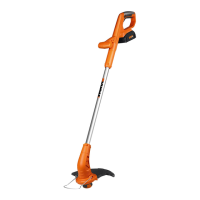
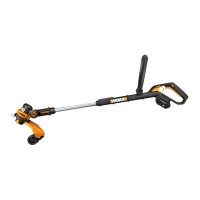
2 in 1 Cordless Trimmer/Edger EN
Coupe gazon/Taille-bordure 2 en 1 F
2 en 1 Cortadora de cesped/Ribeteadora ES
P02
P14
P23
WG163 WG163.1 WG163.2 WG163.3
WG163.4 WG163.5 WG163.9 WG180 WG180.9

Other manuals for Worx WG180

Questions and Answers

  • H
    holly59Aug 18, 2025
    How to fix Worx WG180 when command feed does not work?
    • J
      Jermaine IngramAug 18, 2025
      If the command feed on your Worx Trimmer isn't working, it might be because the cutting line isn't wound well, so rewind the line properly. Also, check for tangles in the line and clear them. If the line is used up, replace it.
  • J
    James HillAug 20, 2025
    Why is my Worx WG180 not working?
    • S
      sheryl07Aug 20, 2025
      If your Worx Trimmer isn't working, there are several potential causes. First, the battery might be discharged, so try charging it. If the battery is either too hot or too cold, allow it to reach a suitable temperature. It's also possible that the motor is broken, in which case it should be serviced. Finally, damaged internal wiring could be the culprit, requiring inspection and repair.
  • C
    Christian AndersonAug 23, 2025
    What to do if command feed does not work on Worx Trimmer?
    • K
      Karen PettyAug 23, 2025
      If the command feed isn't working on your Worx Trimmer, it may be because the cutting line isn't wound well; rewind it properly. Another reason could be that the line is tangled, so untangle it. Finally, the line might be used up, requiring you to replace the cutting line.
  • S
    Susan HallAug 26, 2025
    What to do if my Worx WG180 does not cut?
    • H
      Hailey PattersonAug 26, 2025
      If your Worx Trimmer isn't cutting, start by checking the cutting line. If the line is broken, replace it. Also, ensure the battery is fully charged. Clear away any grass entangled around the cutting head.
  • S
    Stephanie LewisAug 28, 2025
    Why Worx WG180 Trimmer cutting time per battery charge is too short?
    • T
      Tammy StewartAug 28, 2025
      If your Worx Trimmer isn't running as long as it should on a single charge, there are a few potential reasons. First, if the battery hasn't been used for a while or has only been charged briefly, try fully charging it before use. Also, very high grass can drain the battery quickly, so trim the grass to a shorter length. Finally, the battery itself might be defective and need replacement.
  • C
    Crystal FrederickAug 30, 2025
    What to do if the battery charge indicator on Worx WG180 does not light up?
    • W
      William MclaughlinAug 30, 2025
      If the battery charge indicator on your Worx Trimmer isn't lighting up, make sure the charger is plugged in properly and check the socket outlet and cables.
  • P
    Phillip RoweSep 1, 2025
    Why is the battery charge indicator continuously lighting on Worx Trimmer and no charging possible?
    • C
      Christina OlsonSep 2, 2025
      If the battery charge indicator is continuously lit and you can't charge your Worx Trimmer, first ensure the battery is properly inserted. Also, check the battery contacts and clean them if they are contaminated.
  • D
    Douglas PetersSep 4, 2025
    Why is the battery life so short on my Worx Trimmer?
    • P
      Phillip WaltersSep 4, 2025
      If the cutting time per battery charge is too short on your Worx Trimmer, it could be due to a few reasons. If the battery hasn't been used for a long time or has only been charged for a short term, follow proper battery maintenance guidelines. Also, if the grass is too high, cut it to a more manageable height. Finally, the battery itself might be defective and need replacement.
  • E
    Erin ColeSep 7, 2025
    Why does my Worx WG180 Trimmer run intermittently?
    • J
      Jill GreerSep 7, 2025
      If your Worx Trimmer runs intermittently, the battery may not be fully charged; ensure you charge it fully. Alternatively, the On/Off switch could be defective and needs replacing. A broken motor could also cause this issue, requiring servicing.
  • S
    Steven Murray MDSep 9, 2025
    How to reduce excessive vibration and noise from my Worx WG180 Trimmer?
    • L
      Luis HarrisSep 10, 2025
      Excessive vibrations or noise from your Worx Trimmer can be caused by a defective machine, which requires inspection and service. Another possible reason is that the line spool isn't wound well, so rewind the line properly.

Summary

Product Safety

Important Safety Instructions

General safety guidelines for safe operation, covering environment, personal attire, and proper use of appliances.

Battery Pack Safety Warnings

Battery Pack Handling and Storage

Guidelines for safe handling, charging, storage, and disposal of battery packs to prevent hazards.

Symbols and Icons

Understanding Product Symbols

Explanation of common symbols used in the manual to indicate safety precautions, operations, and battery information.

Technical Data and Accessories

Product Specifications and Components

Details on voltage, speed, cutting diameter, weight, and available accessories for different models.

Assembly and Operation

Product Assembly Procedures

Step-by-step guide for assembling safety guards, edger wheels, and installing the battery pack.

Operating the Trimmer and Edger

Instructions for safe operation, trimming, edging, and line feeding using the tool's features.

Maintenance and Troubleshooting

Product Care and Cleaning

Guidance on cleaning, storing, and maintaining the tool for optimal performance and longevity.

Troubleshooting Common Issues

Solutions for common problems like trimmer not operating, intermittent running, or cutting issues.

Worx WG180 Specifications

General IconGeneral
TypeString Trimmer
Power SourceBattery
Battery Voltage20V
Battery TypeLithium-Ion
Line Diameter0.065 inches
Adjustable HandleYes
Edging CapabilityYes
Line FeedAutomatic
Warranty3 years
Cutting Width30 cm (12 inches)

Related product manuals