16 COOLIUS A50 / Y50
5 Calibration
1. Select SERVICE and type password: 311299
The display shows:
2. Turn COOLIUS SELECT to select among:
• Refrigerant weight scale
• Used oil weight scale
• Pressure transducer
3. Press ENTERtoconrmthechoice.
5.1 Refrigerant weight scale
Unload the refrigerant weight scale
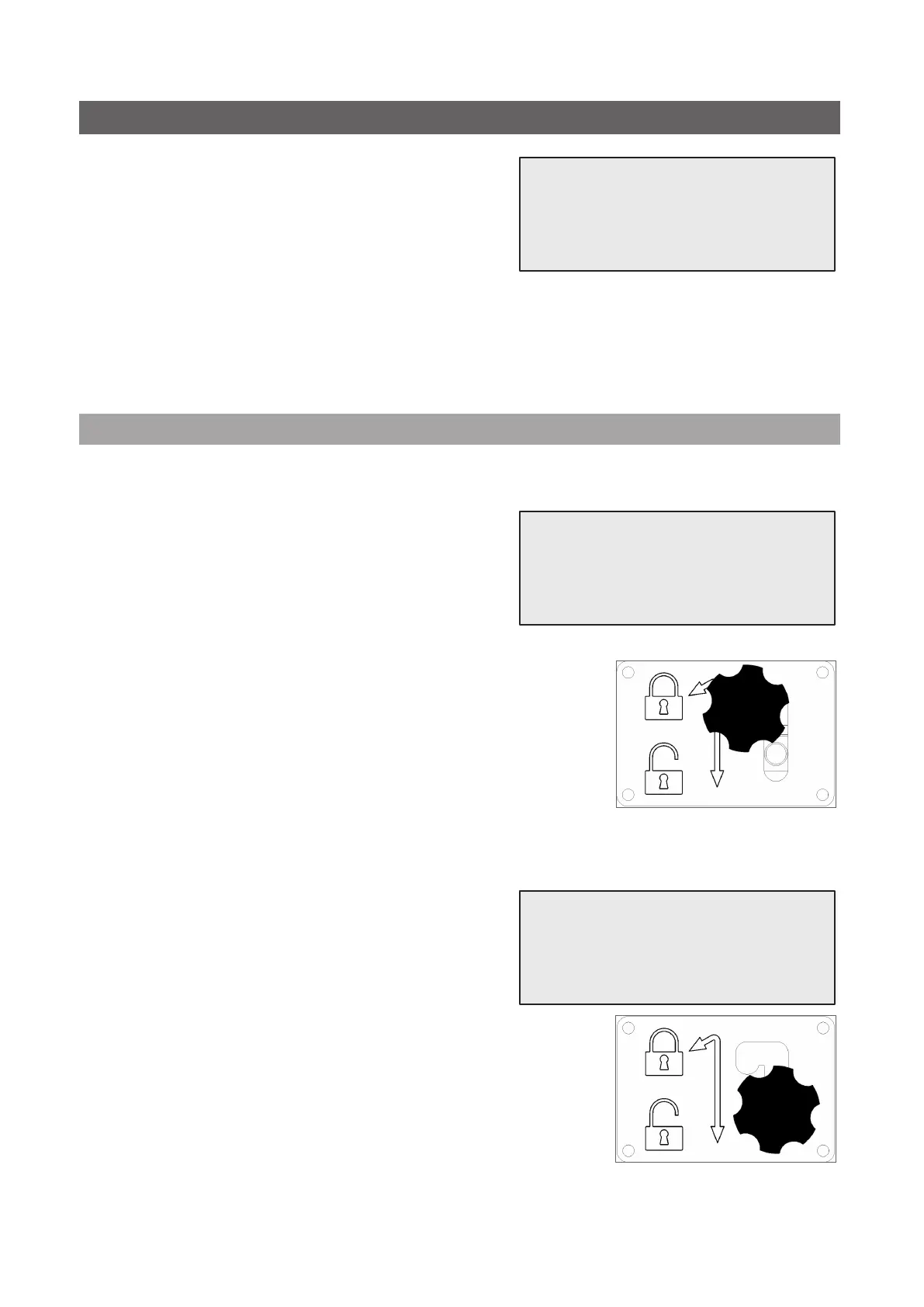
1. Unload the scale by moving the star grip screw of the
transport lock to “safety position” (lift the knob and move
it to the left).
2. When done, press ENTERkeytoconrmthesafetypositionandwait!
Load the refrigerant weight scale
3. Load the scale by moving the star grip screw of the
transport lock back to the “working position” (move the
knob slightly up and to the right, then fully down).
4. When done, wait a few seconds then press ENTERkeytoconrmand
wait for screen change!
Select:
Refrig. weight scale
Unload weight scale
(safety position)
g.002 Safety position
Load weight scale
(working position)
g.003 Working position



 To Next Page