17COOLIUS A50 / Y50
Place the sample weight
5. Dismount the top cover (remove the 4 screws).
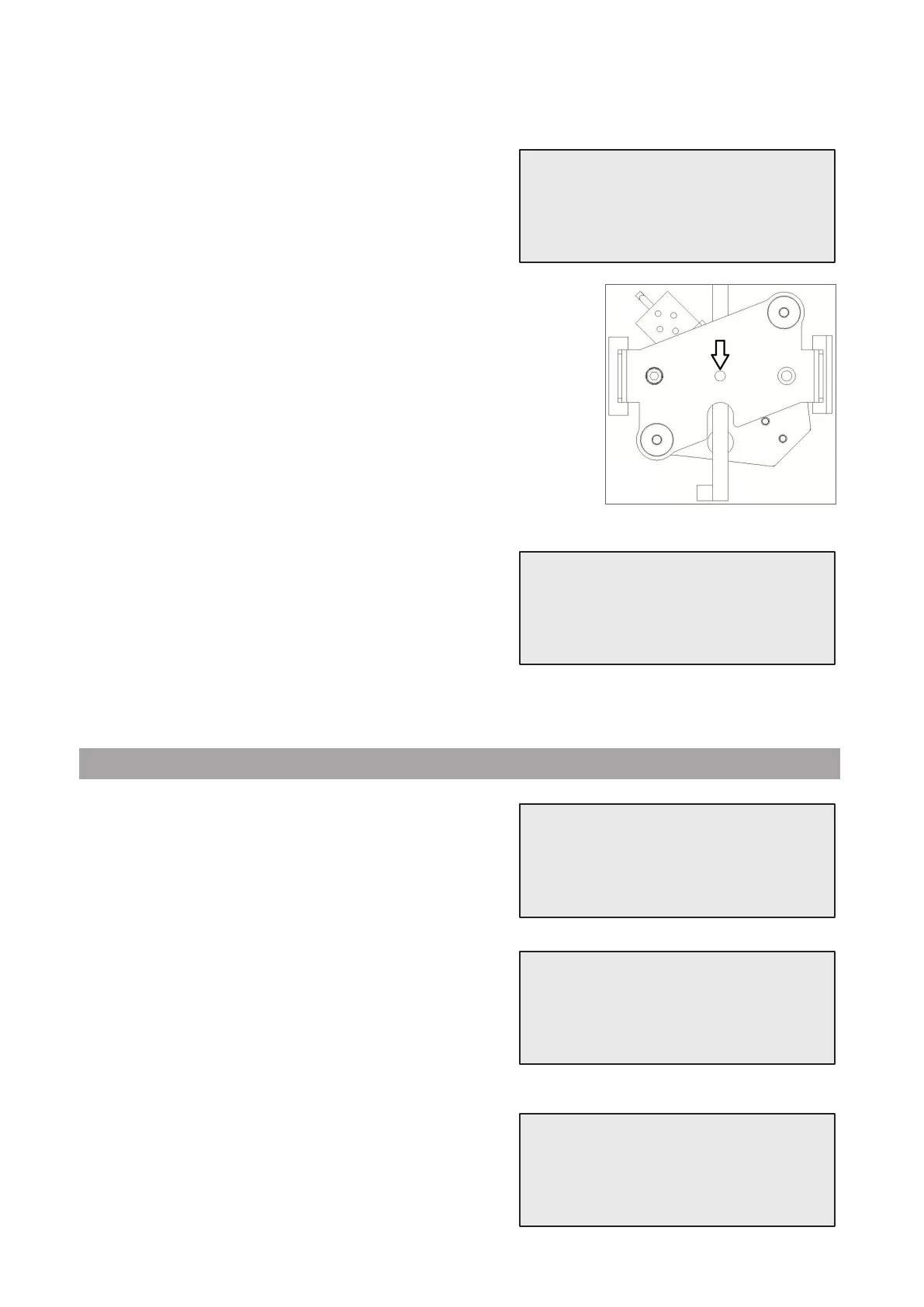
6. Place a known sample weight (minimum 2 kg, suggested 5 kg) on the
center of the scale bracket (as shown in the picture).
7. When done, wait a few seconds then press ENTERkeytoconrm
and wait for screen change!
Set the sample weight value
8. Turn COOLIUS SELECT to set the value of sample
weight.
9. When done, press STARTtoconrm.
Calibration completed.
5.2 Used oil weight scale
Unload the used oil weight scale
1. Unload the scale by removing the used oil bottle.
When done, wait a few seconds then press ENTER key
toconrm.
2. Press ENTERkeyagaintoconrmandwait!
Place the sample weight
3. Place a known sample weight (minimum 50 g) on the
used oil weight scale bracket.
When done, wait a few seconds then press ENTER key
toconrmandwaitforscreenchange!
Place the sample
weight on the scale.
Set the sample
weight value.
g.
Unload used oil
scale!
Confirm by “ENTER”
used oil scale
unloaded!
Place the sample
weight on the scale.



 To Next Page