Demo Mode
WrextheDawghasademoroutinetoshowyouhismovements,animationsand
personality!
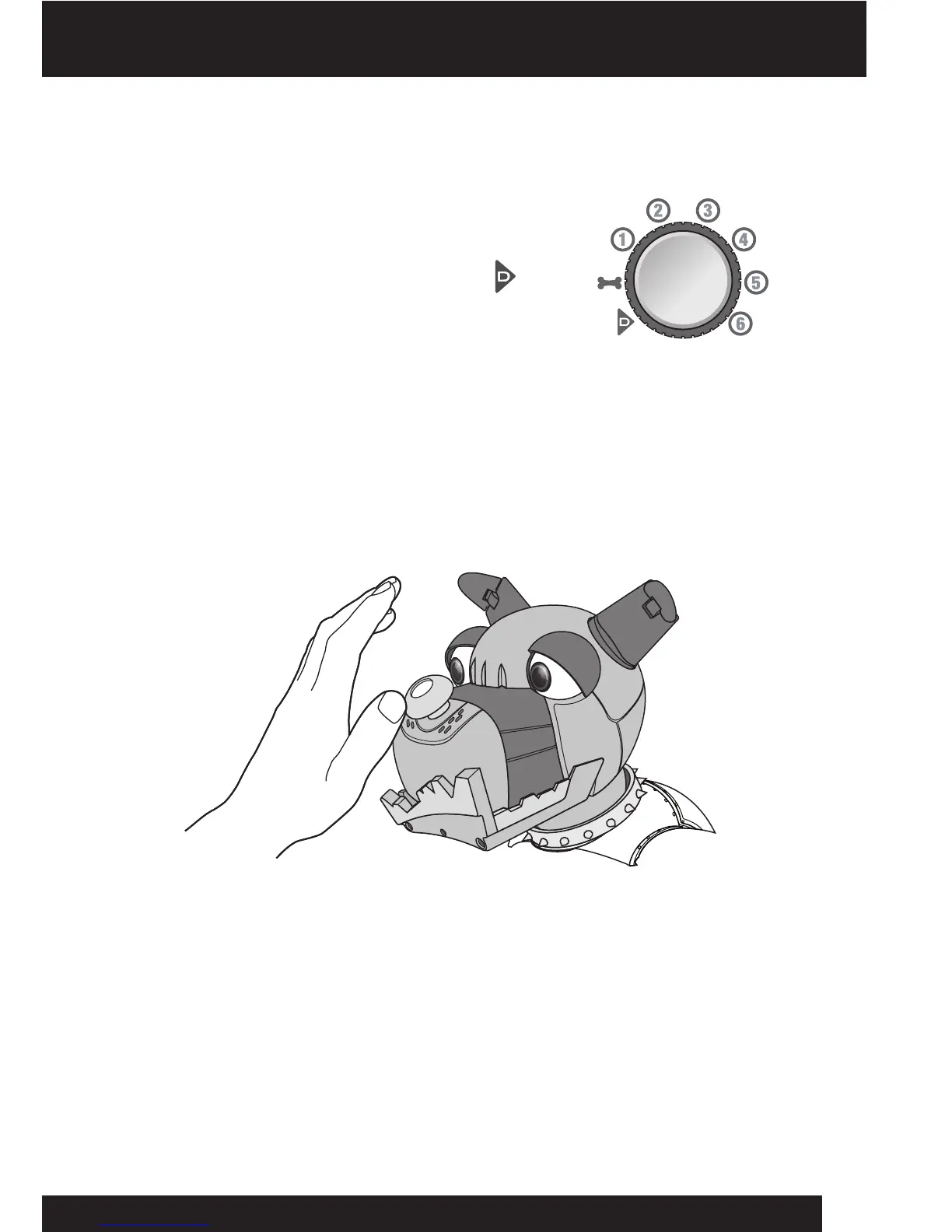
ToaccessDemo Mode,pointtheremotecontrollerat
WrextheDawgandturntheTrick dial (thebottomdial
ontheremotecontroller)totheDemobuttonand
pressthegreenGobuttonlocatedatthecenterofthe
Trick dial.
NOTE: WrextheDawgmovesaroundduringhisdemoroutine.Ensurehissurrounding
areaisfreefromobstaclesandedges.
Sight
WrextheDawgcan“see”infrontofhim.Thisallowshimtodetectedges,obstacles,
andyou!HisIRsensorsarebasedreection.Hecanseehighlyreectivesurfaces,
suchaswhitewallsormirrorsmoreeasilyandfromgreaterdistancesthanmatteor
blacksurfaces.
WrextheDawgreactstomovementinfrontofhimwhenheisstationary--buthis
reactiondependsonhismood!
Hecantrackamovingitemtotheleftorrightofhim,orrespondtoobjectsinfront
ofhim.Ifyouplaceanobjectdirectlyinfrontofhimhewillbackup.Youcanmake
himsitdownbyholdingtheobjectinplaceashemovesback.Ifyouplaceanobject
infrontofhimtooneside,hewillturnhisheadtolookatit.Iftheobjectremains,he
willperformamood-basedanimation!
IfEdgeDetectionisturnedon,hecanalsodetectwhenheisbeingpickedupifheis
standingstill,onallfours.
Demo Mode / Sight
8














 To Next Page