M038170_V1.5_View-R/11-2021
33 of 34 Chapter 6: Troubleshooting and Offline functions
Chapter 6: TROUBLESHOOTING AND OFFLINE FUNCTIONS
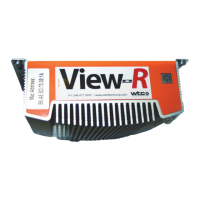
PROBLEM: You changed the IP address of the View-R and
cannot login or you are unable to locate the View-R on your
network.
SOLUTION:
1. Plug in a keyboard to any of the available USB ports at the
back of the View-R.
2. Plug in a monitor to any of the available display-ports at the
back of the View-R.
3. Plug in the power adapter to power the device.
4. As the View-R powers up you will see a login prompt on
your monitor.
5. Type ipinfo and press Enter.


 To Next Page