Operation pH/Cond 340i
56
Note
When the AutoStore function is active at the same time, the data trans-
mission is performed according to the setting of the save interval (Int 1).
Set the save interval (Int 1) to OFF to activate the Data transmission in-
terval (Int 2).
4.7.2 PC/external printer (RS232 interface)
Via the RS 232 interface, you can transmit the data to a PC or an ex-
ternal printer. Use the AK340/B (PC) or AK325/S (ext. printer) cable to
connect the interface to the instruments. The data output automatically
switches to the RS232 interface.
Warning
The RS232 interface is not galvanically isolated.
When connecting an earthed PC/printer, measurements cannot be per-
formed in earthed media as incorrect values would result.
Set up the following transmission data on the PC/printer:
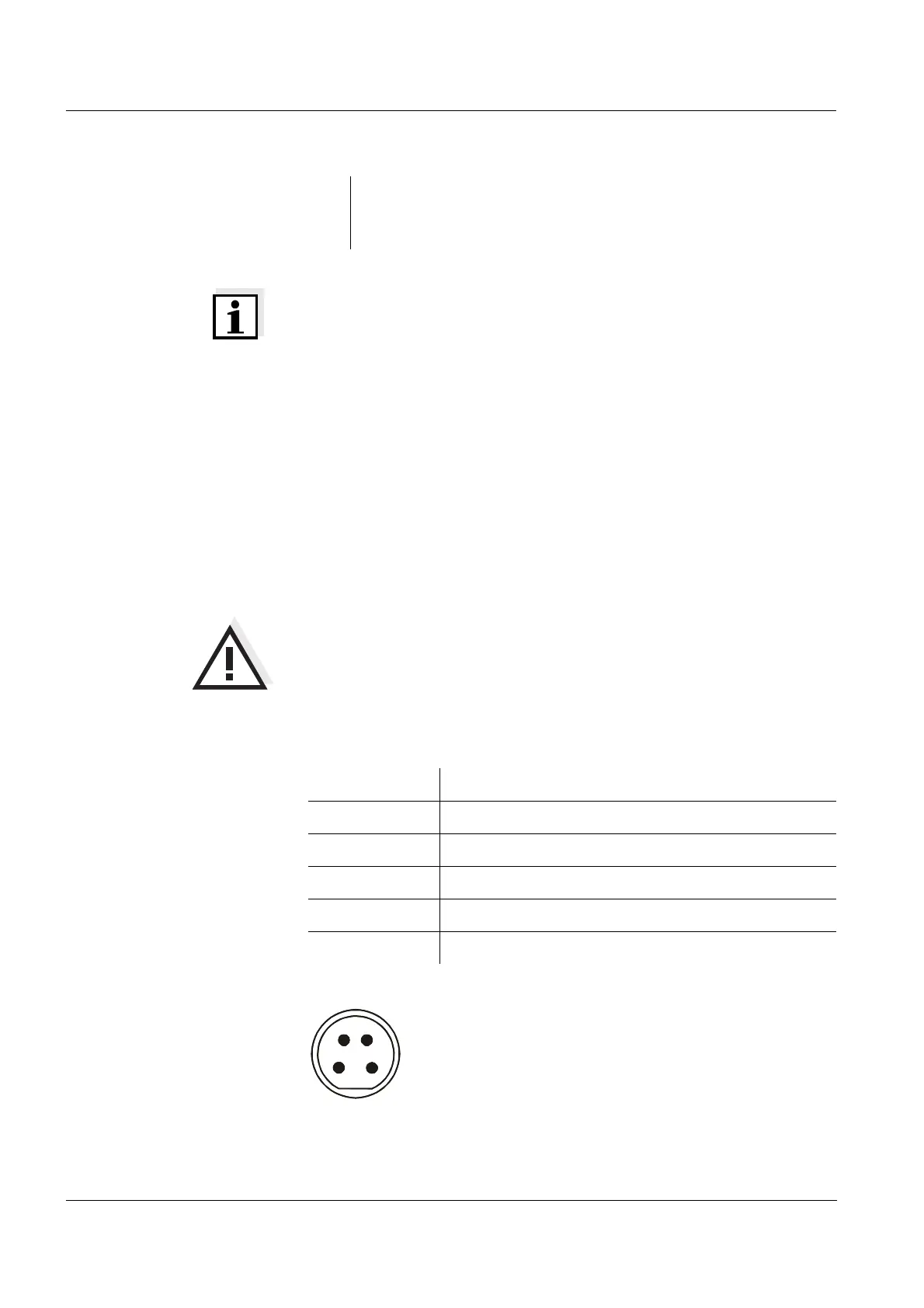
Socket assignment
4 Confirm with <RUN/ENTER>.
The measuring instrument switches to the last active measur-
ing mode.
Baud rate selectable between: 1200, 2400, 4800, 9600
Handshake RTS/CTS + Xon/Xoff
Parity none
Data bits 8
Stop bits 2
Cable length Max. 15 m
1
2 RxD
3 Ground
4TxD
1
2
3
4
RS 232
REC


 To Next Page