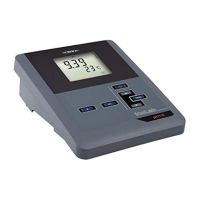
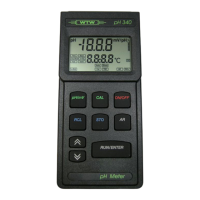
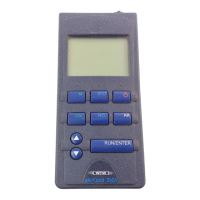
Overview pH/Cond 340i
8
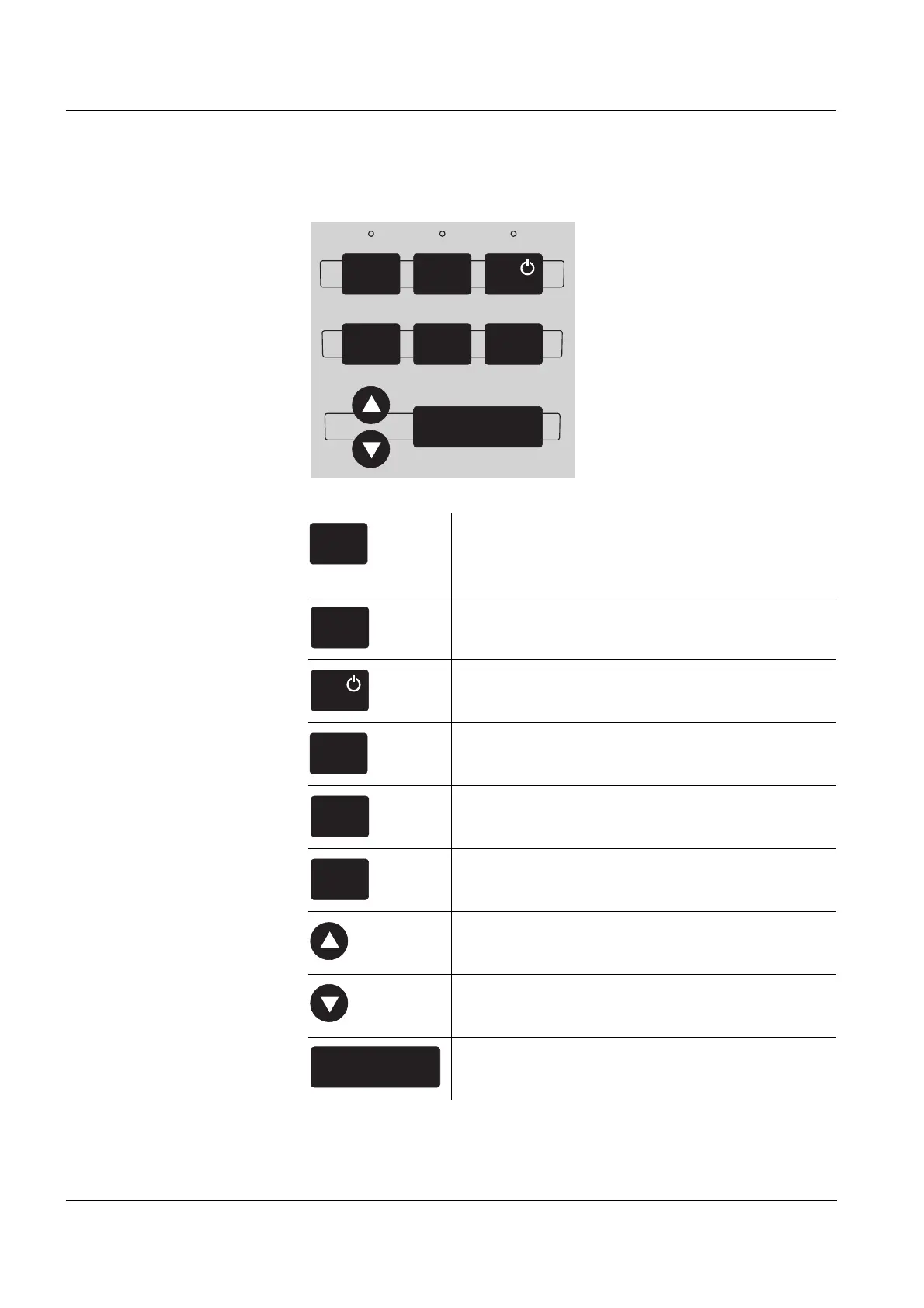
1.3 Keypad
Key functions
RUN/ENTER
ARRCLCAL
STOM
Select the measured variable <M>:
– pH value / ORP voltage
– Conductivity / salinity
Save a measured value
<STO>
Switch measuring instrument on/off
<ON/OFF>
Calibrate the currently set measured variable
<CAL>
Display/transmit measured values
<RCL>
Activate/deactivate the AutoRead function
<AR>
Select the measuring mode, increase values,
scroll <▲ >
Select the measuring mode, decrease values,
scroll <▼>
Confirm entries, start AutoRead
<RUN/ENTER>
M
STO
CAL
RCL
AR
RUN/ENTER


 To Next Page