01
02
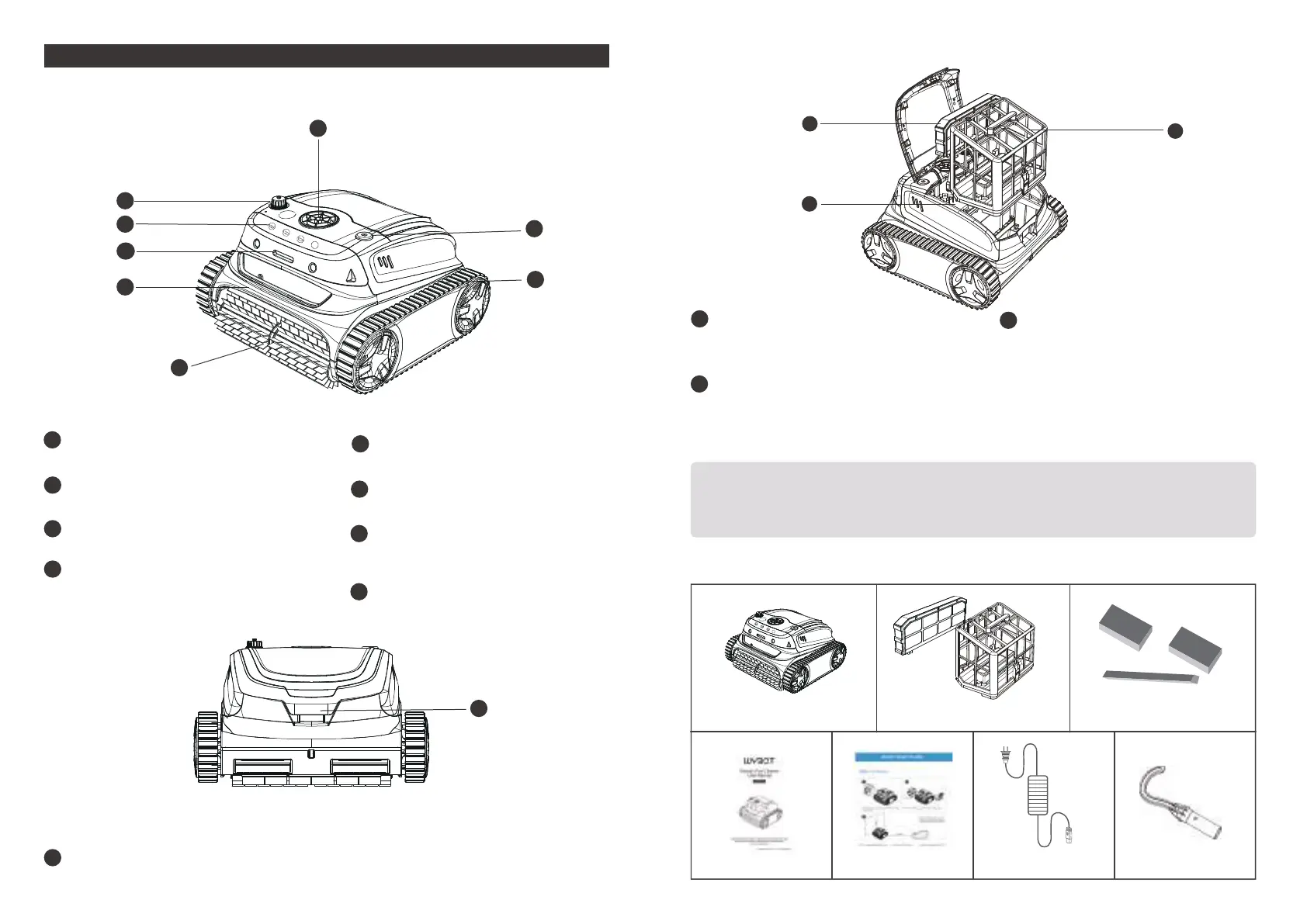
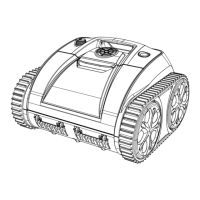
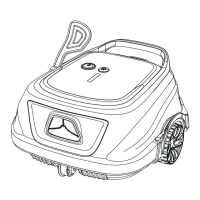
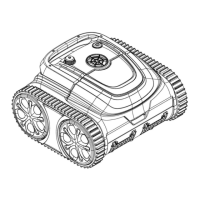
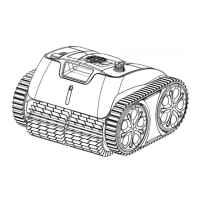
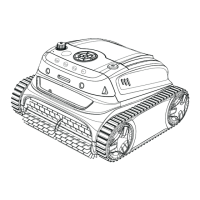
WYBOT S2(WY210C) AT A GLANCE
Handle
Remove and transport the device with it
LED Indicator
Different light colors to indicate device status
Cleaning Mode
Customize cleaning needs on the cleaner
Charging Port
Connect the charger
f
a
b
c
d
Pump
pump out water through the window
on/off Button
Turn on/ turn off the device
Track
Enhance device’s capability in climbing walls
and various obstacles
Scrubbing Brush
Knock loose all dirt and roll them all into the
device
e
f
g
Product External Overview
Product Internal Overview
Do not operate the device when the top cover or scrubbing brushes are broken.
If there is any liquid leakage from the sealed part, stop charging or running
the device.
Lid Open Button
Open the cover to take out the filter basket
i
h
i
k
j
m
Filter Basket (180µm)
Store collected dirt and debris, need to be installed
before cleaning, and washed after each use.
Sealed Part
Important components are sealed there.
For your safety, do not try to disassemble it
without authorization.
j
k
Filter Foam (Cotton foam)
An auxiliary filter to help trap the fine dirty
particles. Recommend to use it for floor
cleaning.
Please do not install it when the pool
water is heavy dusty, it may influence the
operation of the cleaner.
m
c
d
e
b
a
b
b
g
f
h
MODE
Packing List
Device x 1
User Manual x 1
Filter x 2
Charger x 1Quick Start Guide x 1
Floating Parts
Hook x 1
MODE


 To Next Page