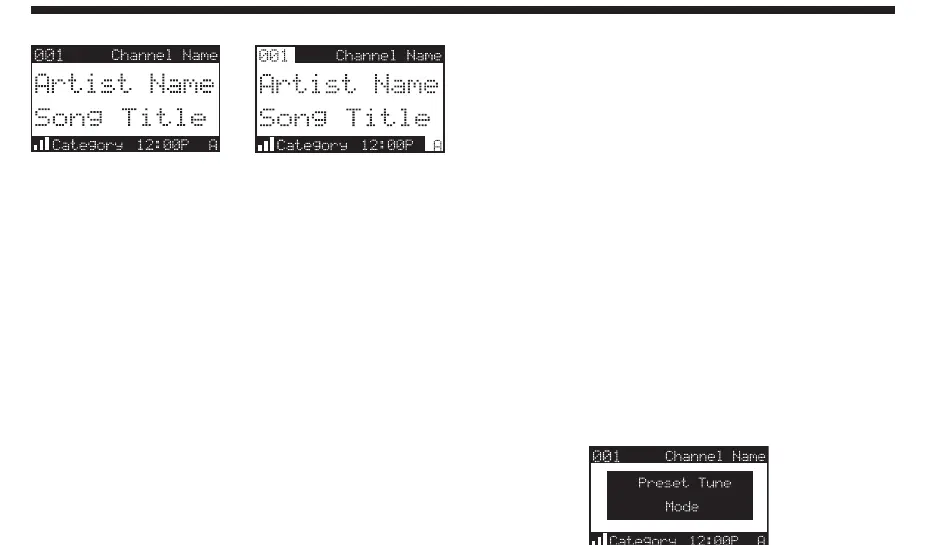
Default Display
Preset Tune List Mode
In Preset Tuning Mode you can view your list of
presets showing Channel Name, Artist Name, or
Song Title just like in the Channel List Mode:
1. Press and hold the BAND button to enter the Preset
Tune Mode (P.TUNE).
2. Press the DISP button for 2-seconds which will bring
up the Preset Tune List Mode displaying up to 6
preset channel names.
• Pressing the DISP button while in this mode will
change between Channel Name
(right top)
, Artist
Name (right
middle)
, and Song Title list modes
(right bottom)
• The name field will scroll only if the length of the
artist or song title cannot be viewed in its entirety.
3. Use the Rotary Knob to select the desired preset.
4. Push and release the Rotary Knob to select the
preset. The channel will change and the display will
revert to the P.TUNE Display.
P.TUNE Display
To exit Preset Tune Mode and return to Channel
Tuning Mode, press and hold the BAND button.


 To Next Page