www.xa.com/en42
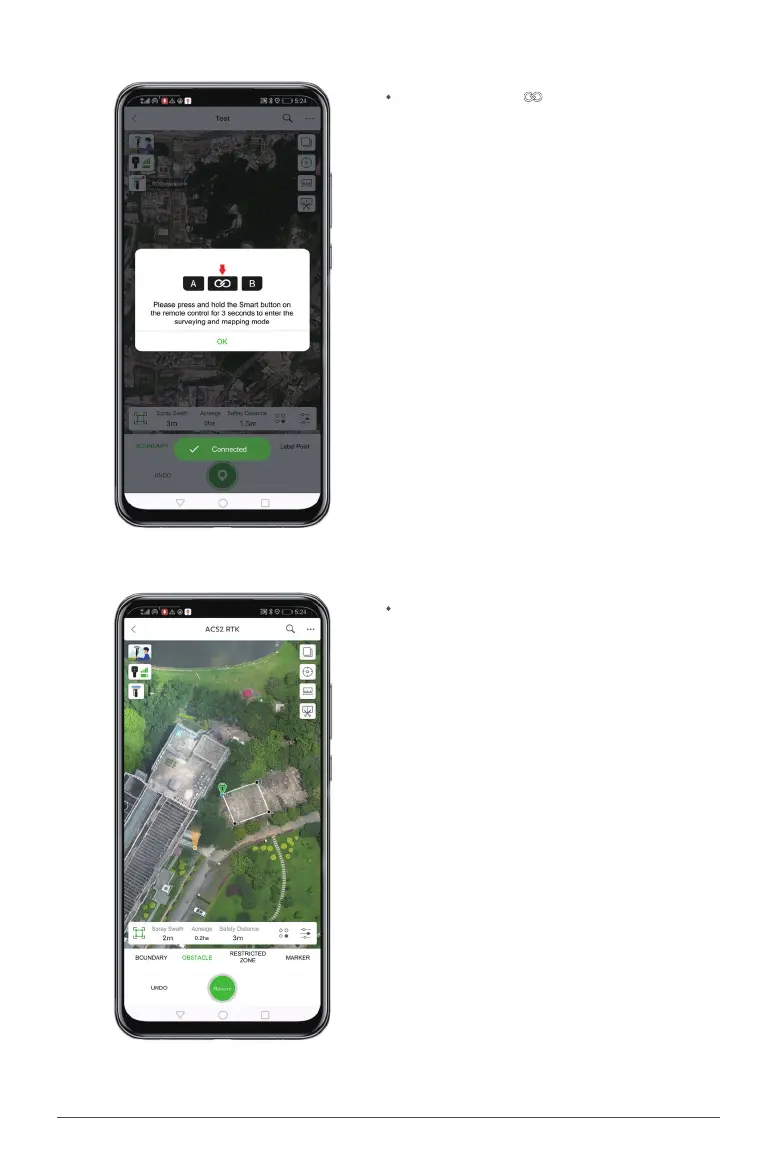
Hold your ControlStick and move to a
location, choose "BOUNDARY", "OBSTACLE"
or "RESTRICTED ZONE" on the App and click
"Record" to dene it as a boundary point.
Press and hold the button on the ControlStick
for 3 seconds to enter the surveying and mapping
mode.


 To Next Page