www.xa.com/en 43
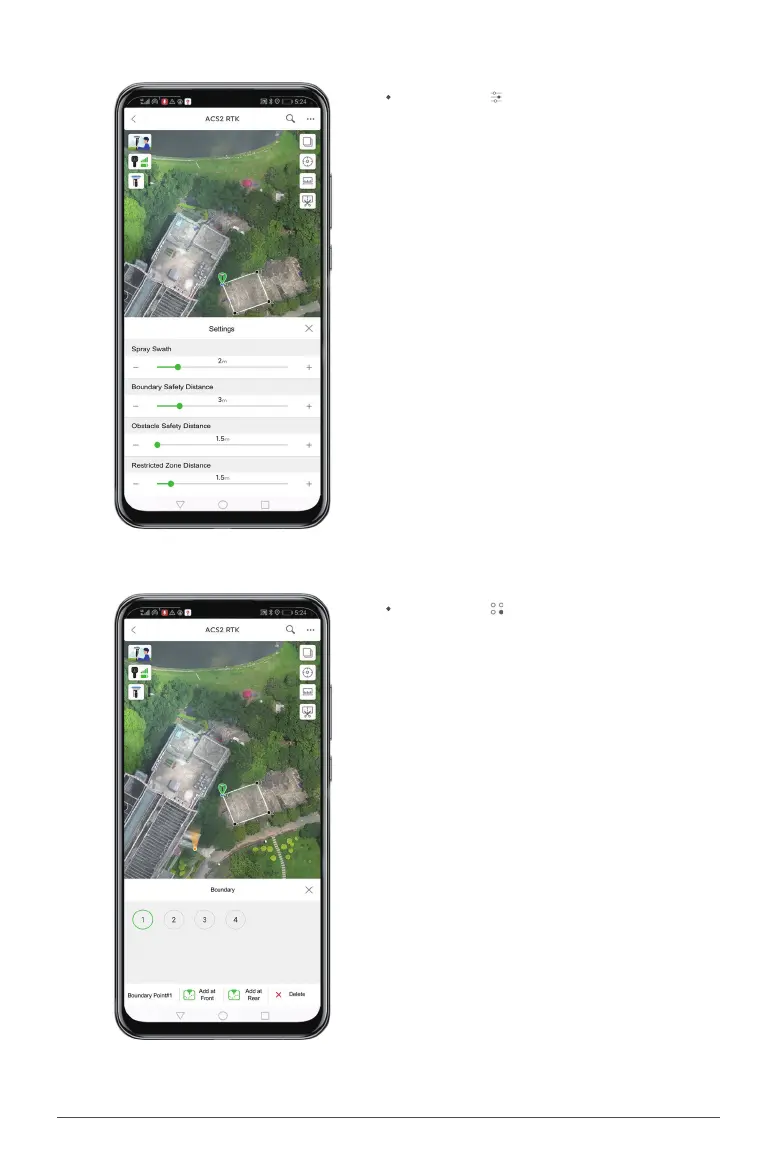
Click the icon to visit the page of boundary
management, where you may change boundary
points if necessary.
Click the icon to set parameters such as spray
width, safety distances from the boundary,
restricted zone, and obstacle. After setting these
parameters, return to the page of eld creation.


 To Next Page