975-0545-01-01 27
Configuration
Viewing the System Screen
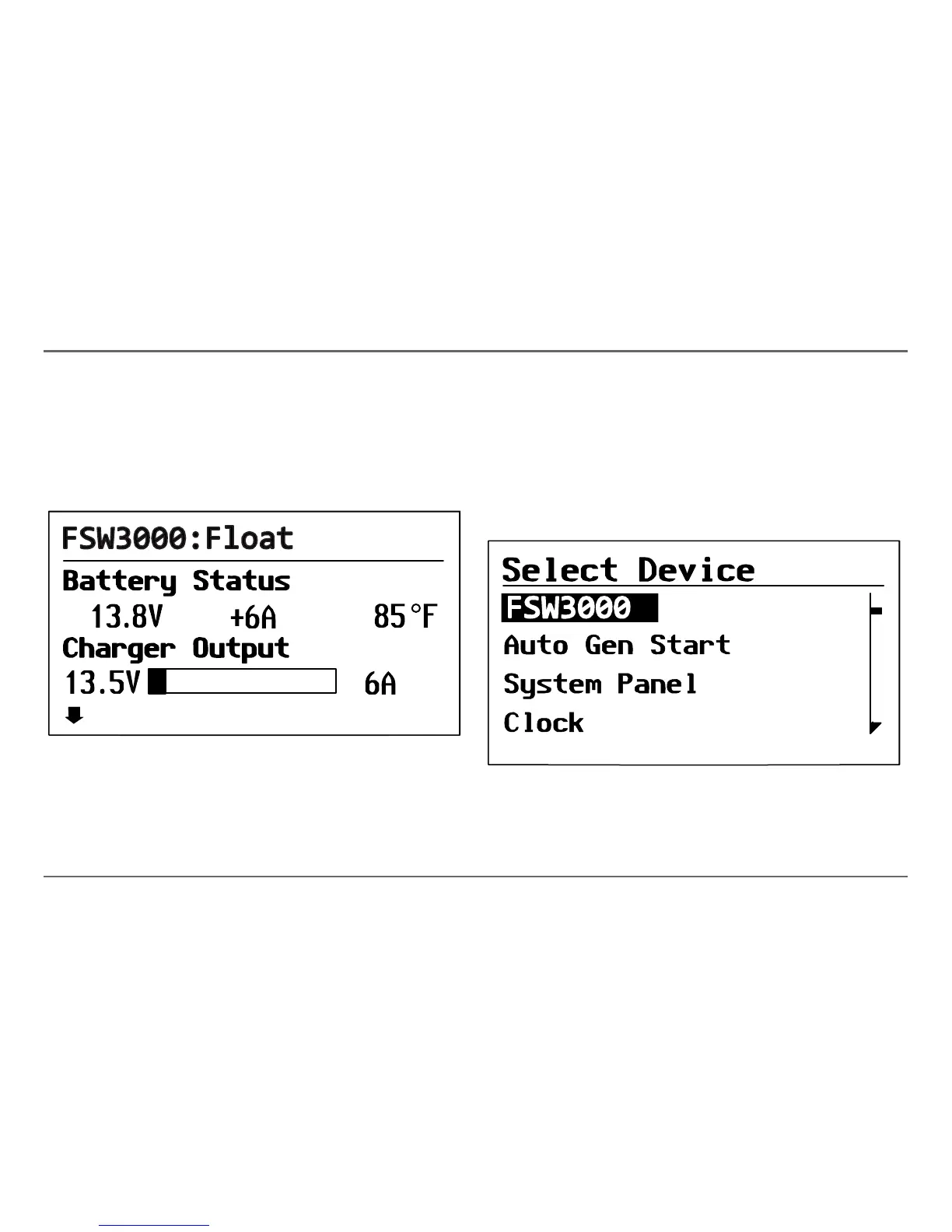
The System screen displays system activity. The information appearing on
the System screen varies with the status of the inverter/charger: Standby,
Inverting, Charging, AC Bypass, or Equalize. See “Modes” on page 31 for
an explanation of the different modes. For example, Figure 14 shows the
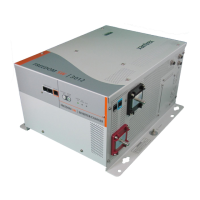
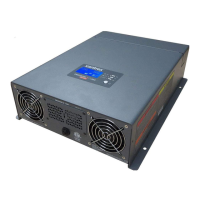
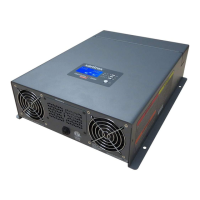
Freedom SW 3000 in the float stage of charging.
You cannot select or change any of the information on the System screen. If
you would like to view more detailed information, press the Enter button
(indicated by the menu arrow) to go to the Select Device menu.
Viewing the Select Device Menu
The Select Device menu is where you can view a list of all the Xanbus-
enabled devices in your power system.
To view the Select Device menu:
◆ On the System screen, press Enter.
The Select Device menu appears with Freedom SW 3000 highlighted, as
shown in Figure 15.
Figure 14
Float System Screen (Example)
menu
Figure 15
Select Device Menu



 To Next Page
 Loading...