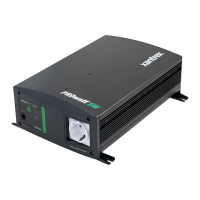
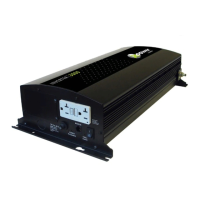
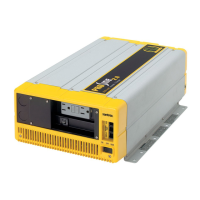
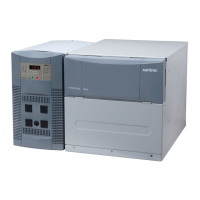
PROwatt 3000 Features
2–4
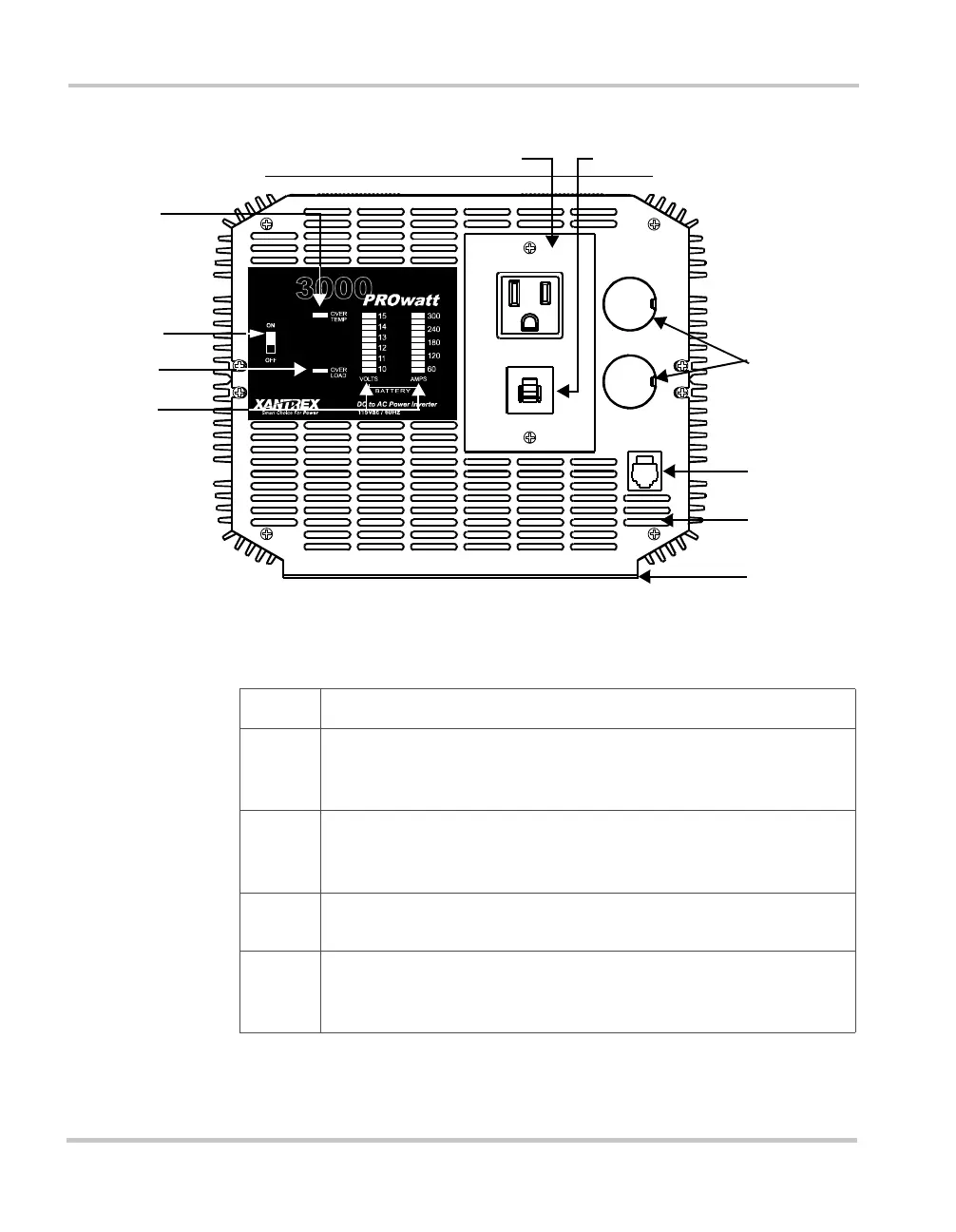
Front Panel With AC Receptacle
Figure 2-1 Front Panel With AC Receptacle
①
②
③
④
⑤
}
⑦
⑧
⑨
⑩
Feature Description
➀
➀➀
➀
On/Off Switch This switch turns the inverter’s control circuit on and
off. It is not a power disconnect switch. You must disconnect AC and
DC power before working on any circuits connected to the inverter.
➁
➁➁
➁
OVER TEMP Indicator This indicator lights when the inverter shuts
down to protect itself from overheating. When the inverter cools, it
restarts automatically, and the indicator turns off.
➂
➂➂
➂
OVER LOAD Indicator This indicator lights when the inverter shuts
down because of an AC overload or a short circuit.
➃
➃➃
➃
VOLTS and AMPS Indicators These display battery voltage and
current. (See “Reading the Front Panel Indicators” on page 4–3 for
details.)


 To Next Page
 Loading...