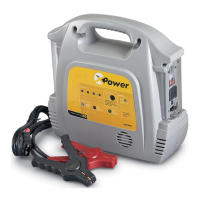
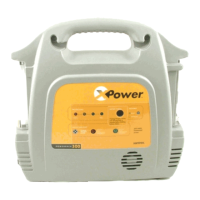
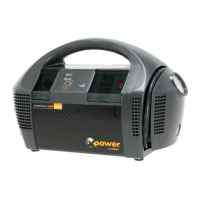
Recharging the XPower Powerpack Battery
975-0162-01-01 3-5
Figure 3-2
Charging with AC Power
1. Ensure the Emergency
Light Switch is in the
O
FF position. (Center)
≈ 35 hours charge
time (assuming
the battery has
been fully
discharged).
2. Ensure the AC Power
Switch is in the O
FF Position.
3. Insert the AC Charging plug into
the Charger Input Socket inside
the Storage Compartment on
the back of the unit.
4. Insert the AC Charger
into a standard 120 Vac
outlet.
Flashing LED = Charging
Steady ON LED = Standby
Control Panel
AC Charging
Plug
5. Check the Charging Status
LED. It should be flashing.
975-0162-01-01_Rev-C.book Page 5 Friday, October 20, 2006 10:40 AM


 To Next Page
 Loading...