XE210C Hydraulic Excavator Operating and Maintenance Manual 58
Choose in the main menu press the confirmation key , the maintenance information
menu is entered, which shows maintenance details in each time period, and users can
keep maintenance accurately and timely.
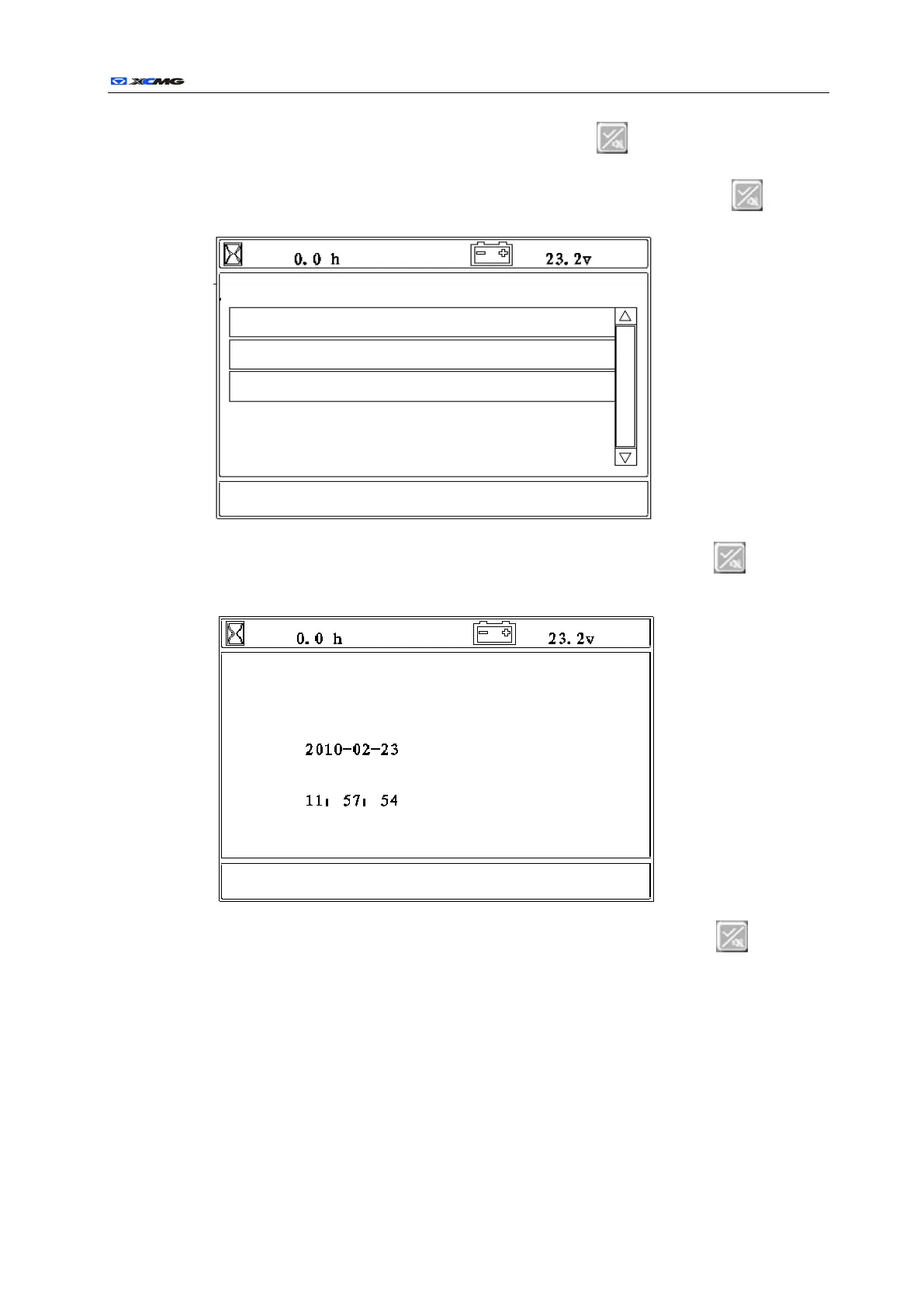
Choose user setting in the main menu and press the confirmation key , the user
setting menu is entered as follows:
Choose in the user setting menu and press the confirmation key , the clock
adjustment menu is entered as follows:
Choose in the user setting menu and press the confirmation key , the clock
adjustment menu is entered as follows:
Date time and information display area
Date time and information display area



 To Next Page