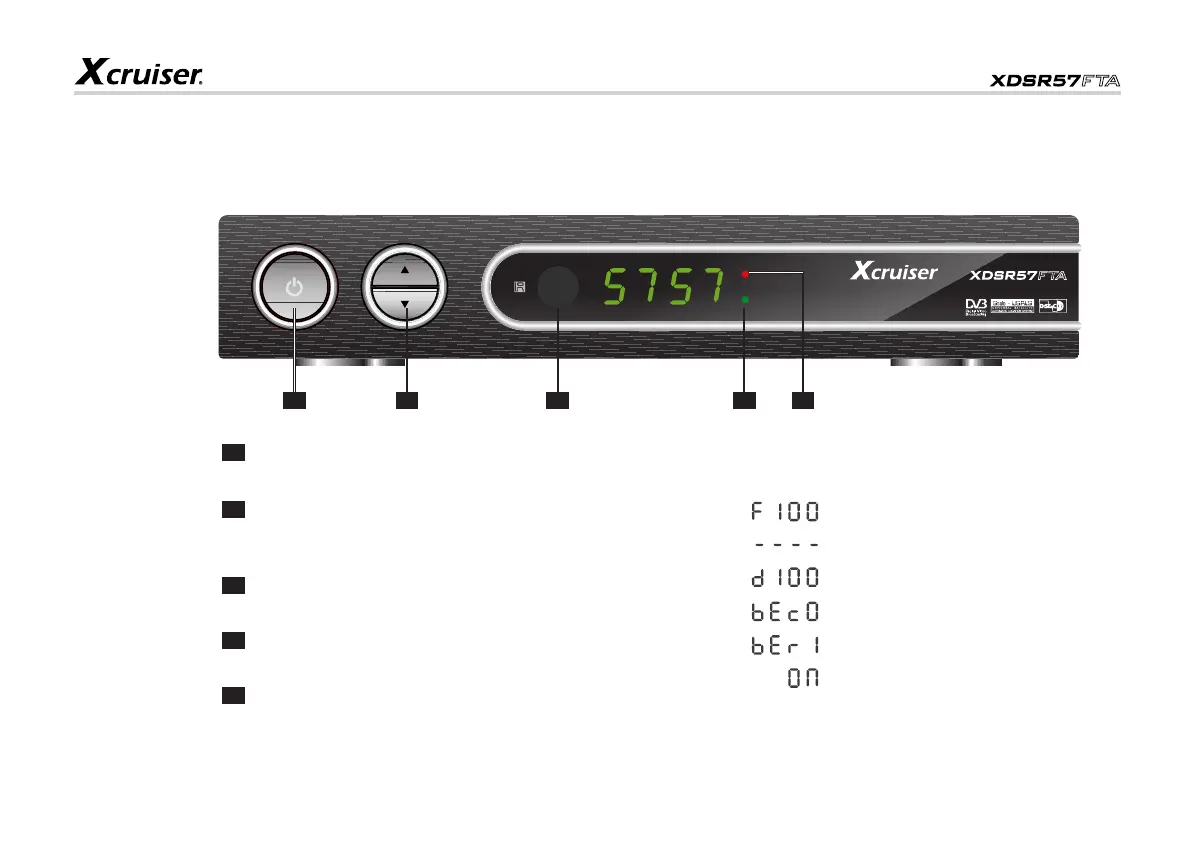
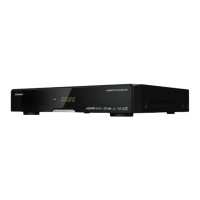
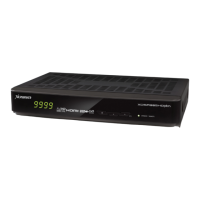
STAND BY:
Press to switch between operation and standby modes.
CH+/CH-:
When watching, change to the previous or next channel
or move to the next highet or lower item in the menu.
SENSOR:
Receives IR signals from remote controller unit.
SIGNAL:
Turns Green when receives signals.
POWER INDICATOR:
Turns Red when Power is ON.
5
Front Panel
Front Panel Display
: Upload Procedure
: System Waiting
: Download Procedure
: Invalid Download Info
: Error in Data Transmitting
: System Start-up
Overview of the Equipment
1 2 3
1
2
3
4
5
4 5


 To Next Page