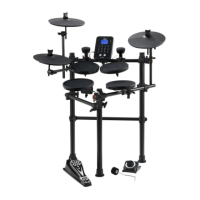
SOUND MODULE
9
17 18
19
20 2221
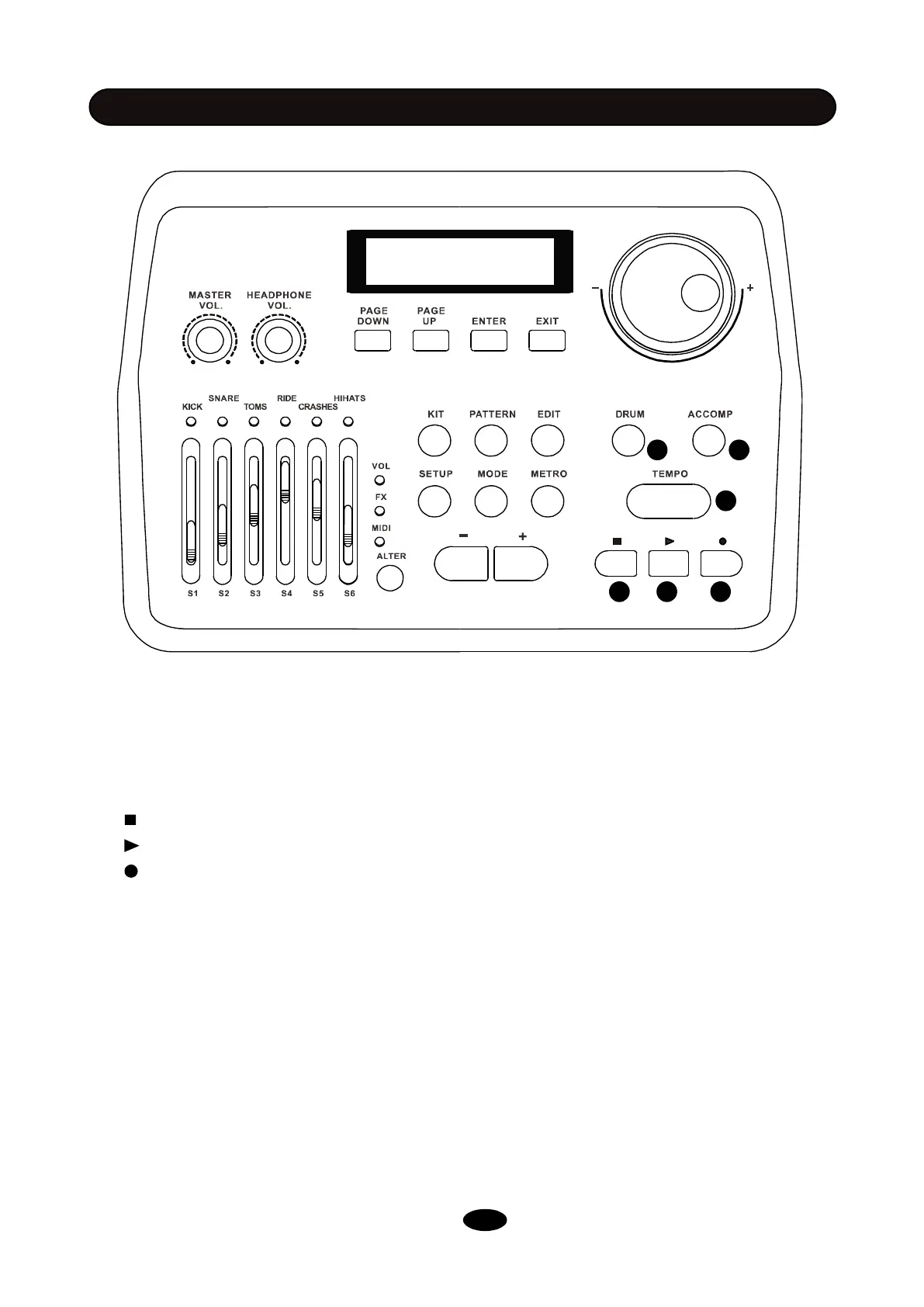
17. DRUM: Press this button to mute the drum track of a demo pattern.
18. ACCOMP: Press this button to mute accompaniment tracks of a demo pattern.
19.TEMPO: Tap this button at a desired rate to get a new tempo for demo pattern and metronome
after you have tapped it four times. You can also change the tempo using scroll wheel(7) or -/
+ button (16) after you have pressed TEMPO button.
20. : Pauses playback of the current demo pattern, press it again to cancel playing current pattern.
21. : Plays the current demo pattern.
22. : Record a drum sequence. You can use STOP button (20) to pause recording. Press STOP
button (20) again to finish recording and save the sequence to a user song. Press ENTER
to confirm. You can also record along with a demo pattern in PATTERN mode.


 To Next Page